Wix App Market Logo

wix logo


Trending Topics
網路商店
預訂
活動
快顯
Info Sections: CSV Export logo

Info Sections: CSV Export

製作者:
Export and import product info sections as CSV
尚無評論
提供免費方案

Info Sections: CSV Export 概覽

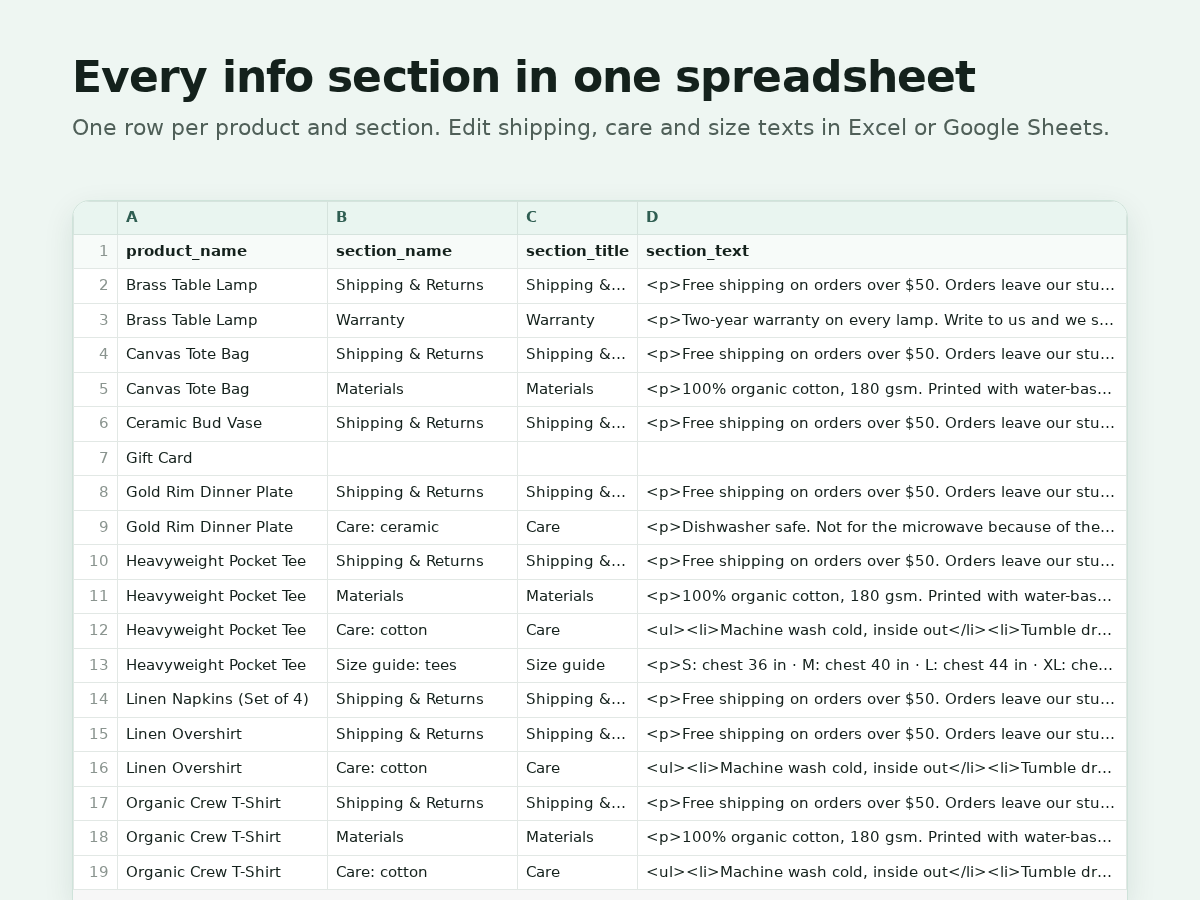
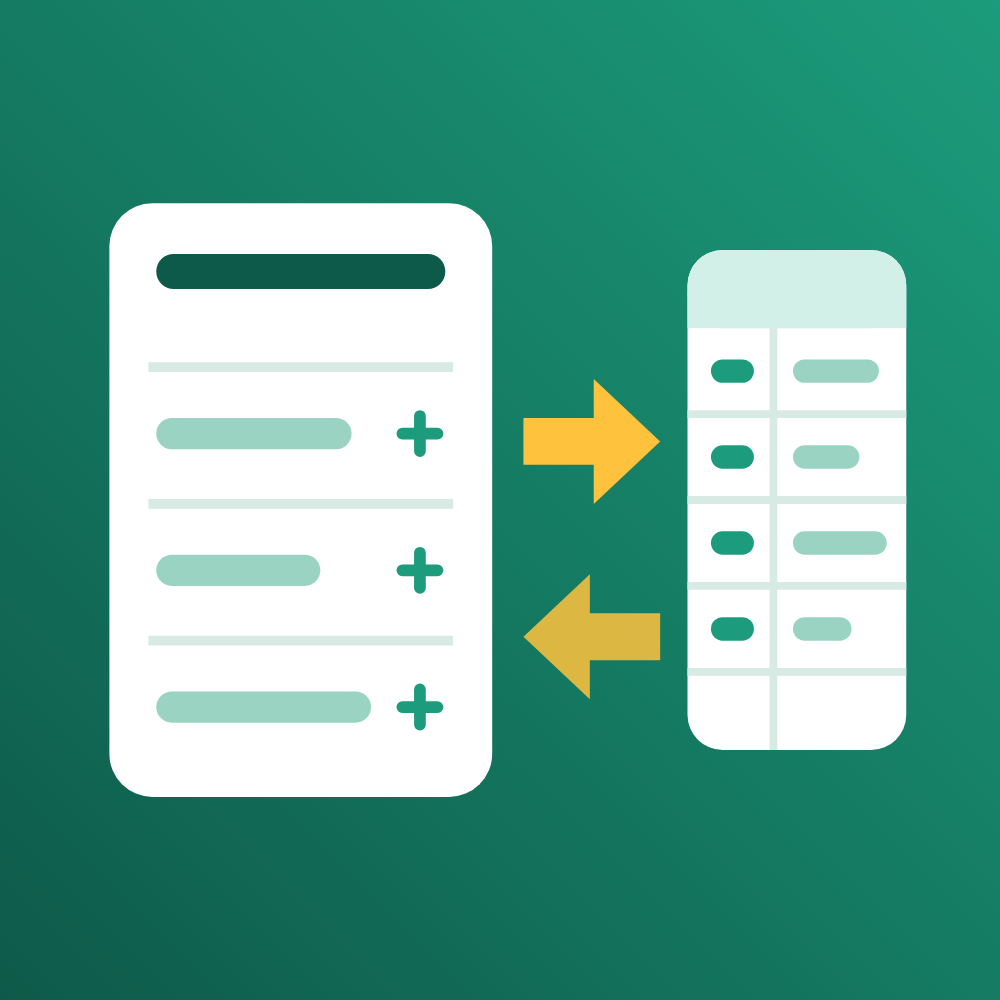
  • Export every product's info sections to CSV
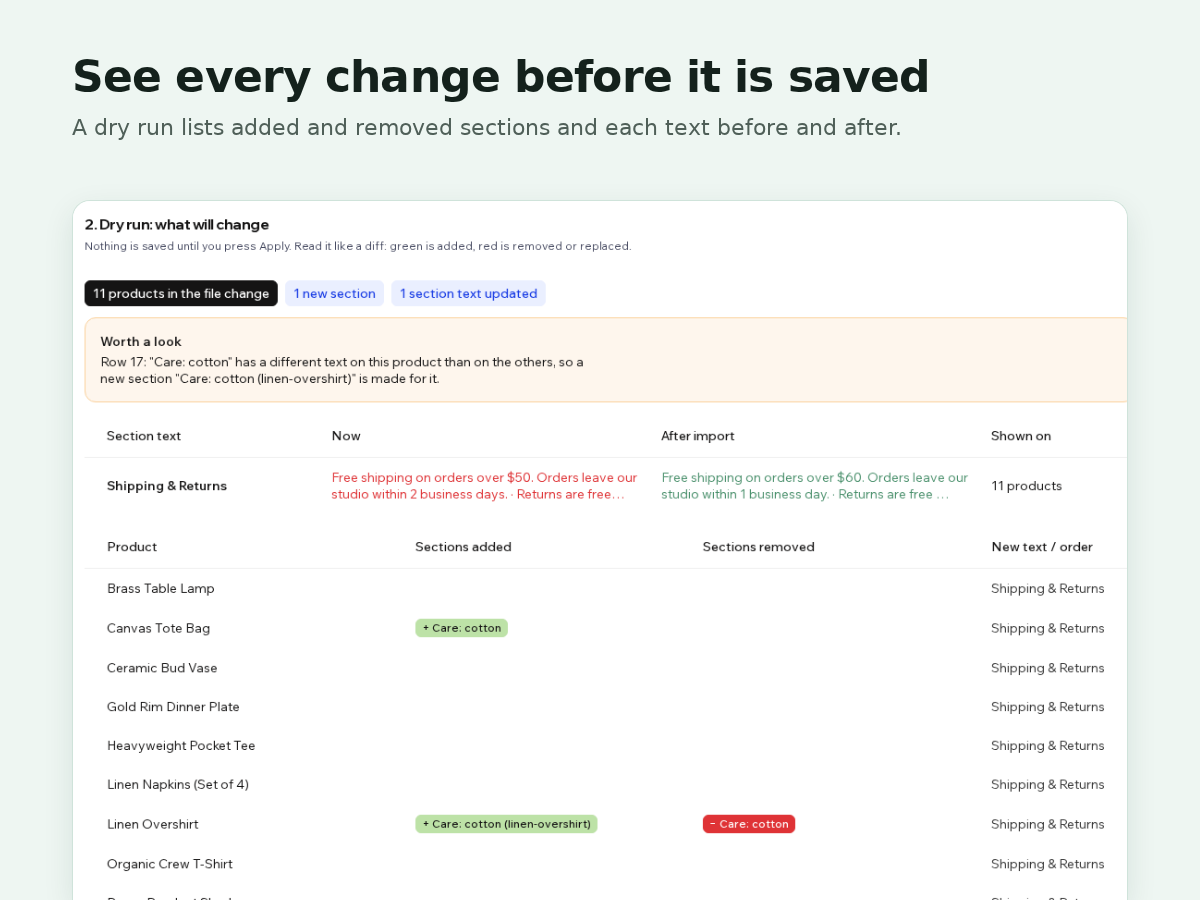
  • Edit in a spreadsheet, import with a dry run
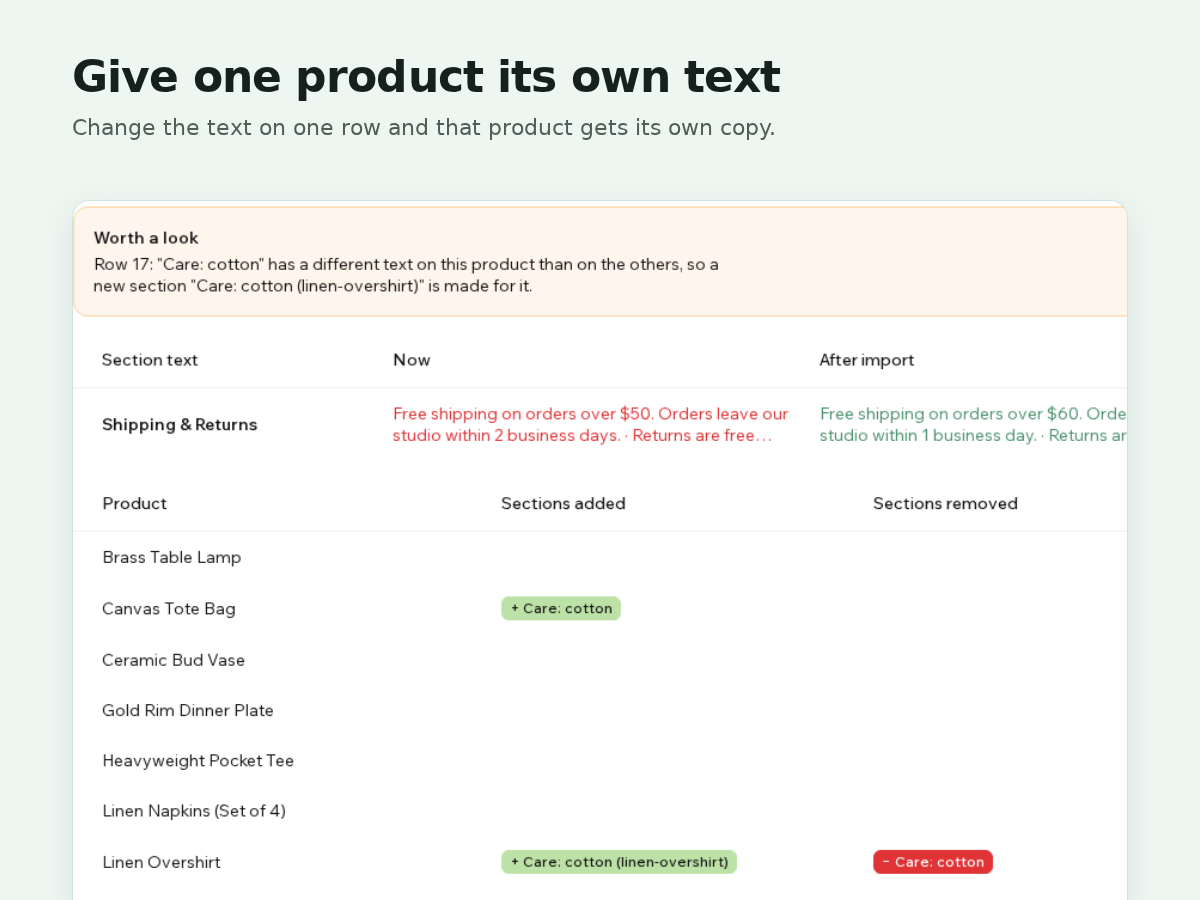
  • Give one product its own care or size text
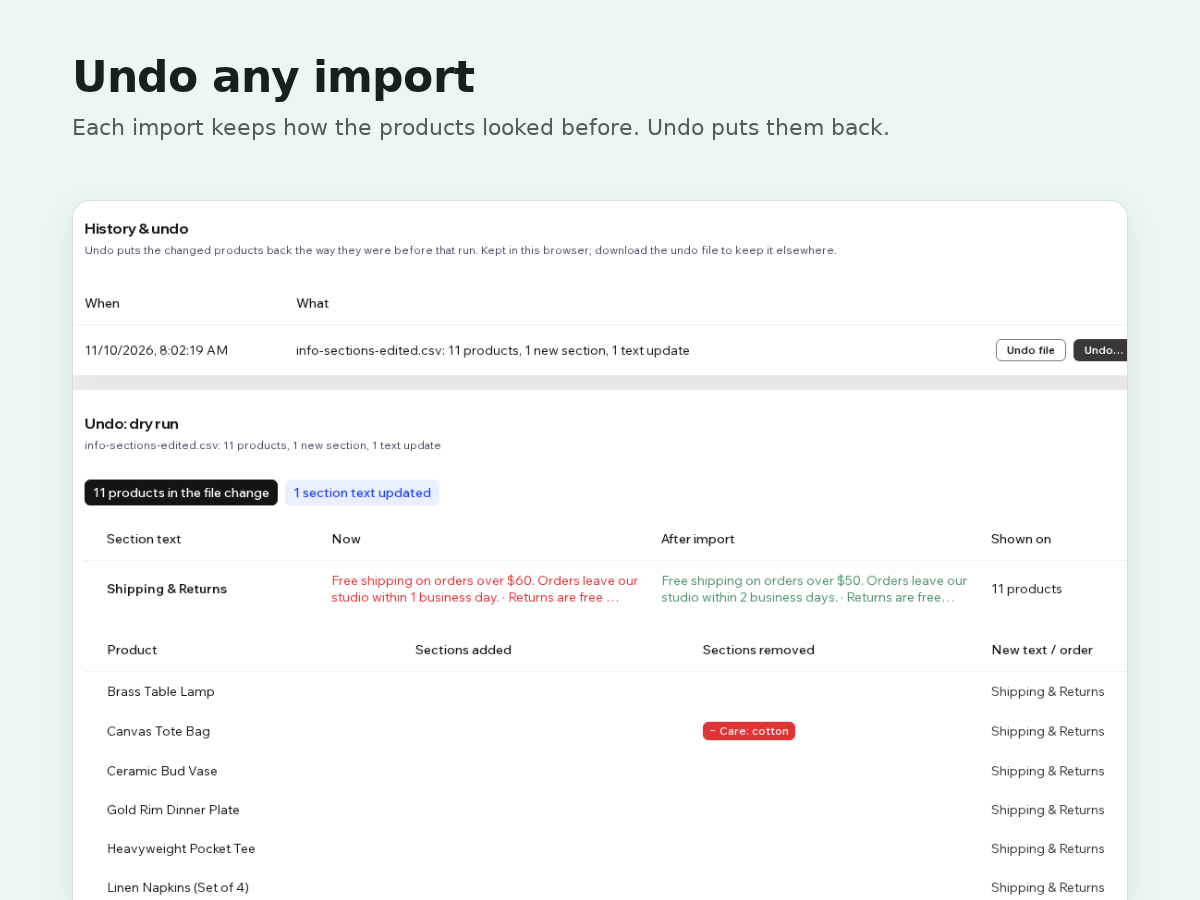
  • Undo any import with its saved before file
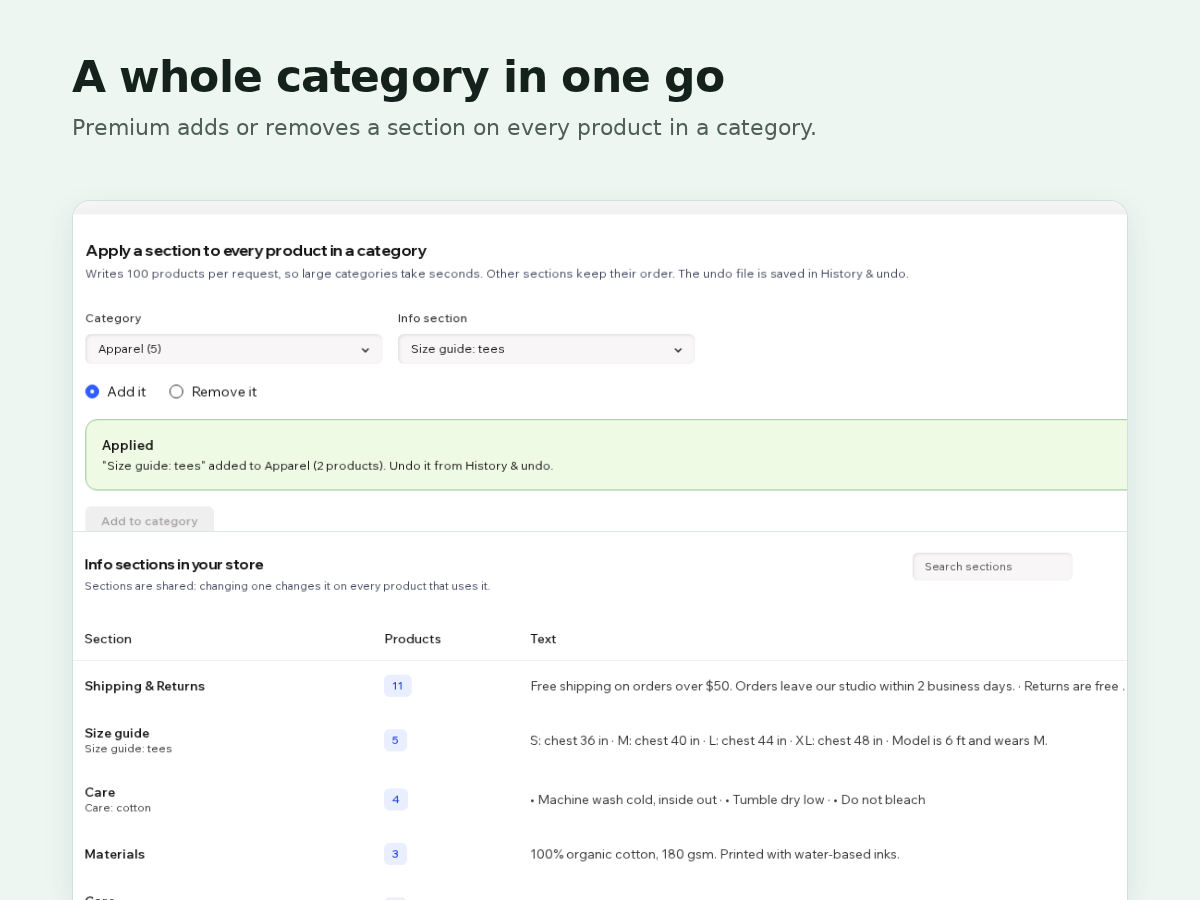
The new product catalog dropped info sections from the store's CSV export. Shipping notes, care text and size guides now get edited one product at a time. This app puts them back in a spreadsheet. Export writes one row per product and section: product, section name, title and text. The text keeps its formatting as simple HTML, and plain text works too. Edit it in Excel or Google Sheets and load it back. Before anything is saved, a dry run lists every change: sections added and removed per product, each text before and after, and how many products share each edited section. Sections are shared, so a new text on all of a section's rows updates it everywhere, while a new text on a few rows gives those products their own copy. Row order sets the order on the product page. Every import keeps an undo file with how the changed products looked before, and Undo puts them back. The free plan exports everything and imports up to 25 changed products at a time. Premium imports any size and adds or removes a section on every product in a category in one go. It works with the new product catalog (Catalog V3). On the earlier catalog the store's own export still has these columns.
適用地區:
此應用程式全球適用。
應用程式語言:
英語
網站需求:
-

評分與評論

此應用程式尚無評論,請來成為第一個評價的人。

定價與方案

Basic 方案

免費

Export all info sections to CSV
Import up to 25 products at a time
Dry run before every import
Undo file for every import
Premium 方案
$

4

80
/月
Imports of any size
Add or remove a section by category
Dry run and undo on every change
Everything in the free plan
* 價格以 USD 為單位。

構置並推出應用程式,連繫超過 2.3 億位 Wix 使用者