Wix App Market Logo

wix logo


Trending Topics
網路商店
預訂
活動
快顯
Table of Contents by Hullspark logo

Table of Contents by Hullspark

製作者:
Blog table of contents, Japanese headings OK
尚無評論
提供免費方案

Table of Contents by Hullspark 概覽

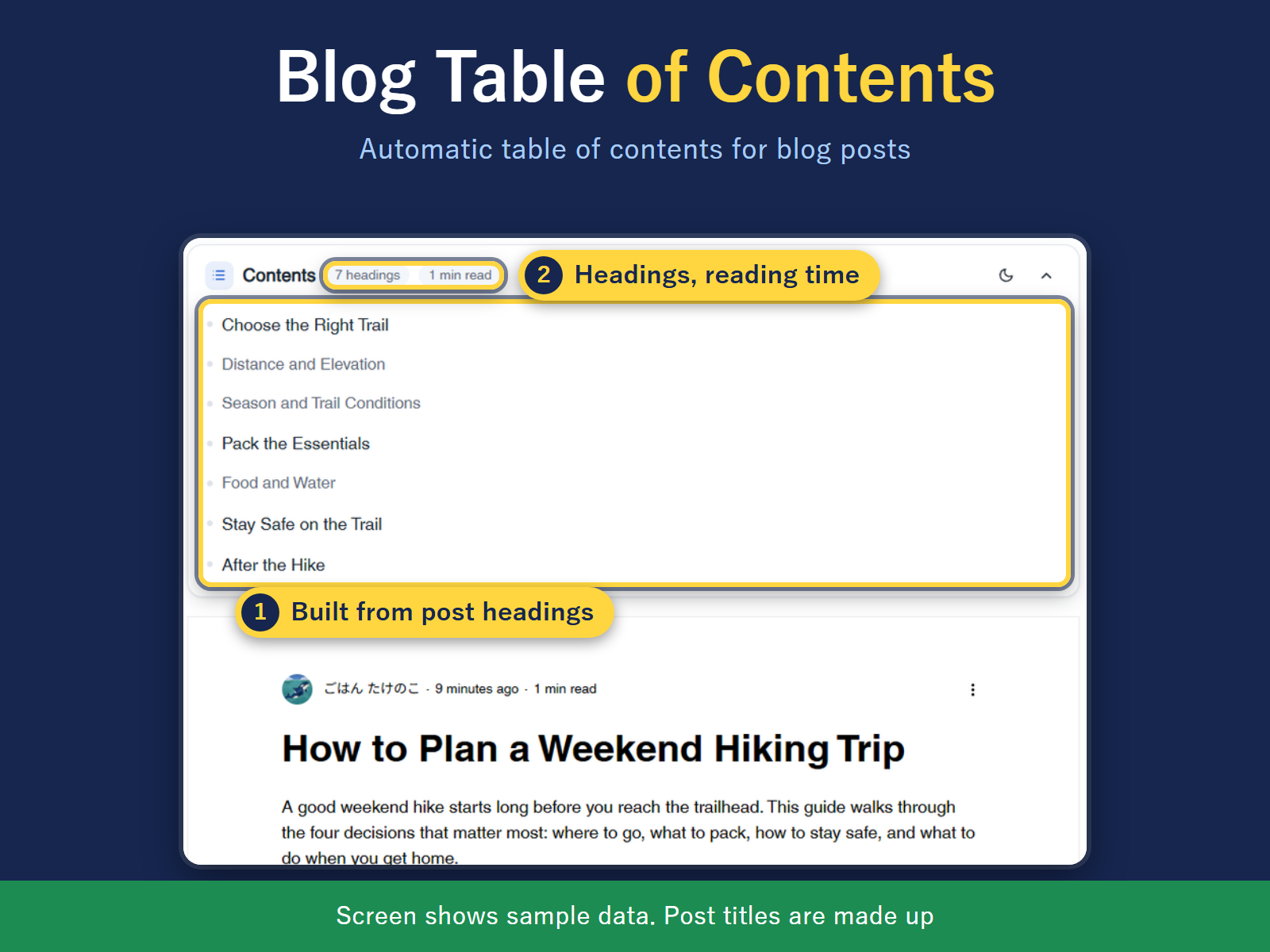
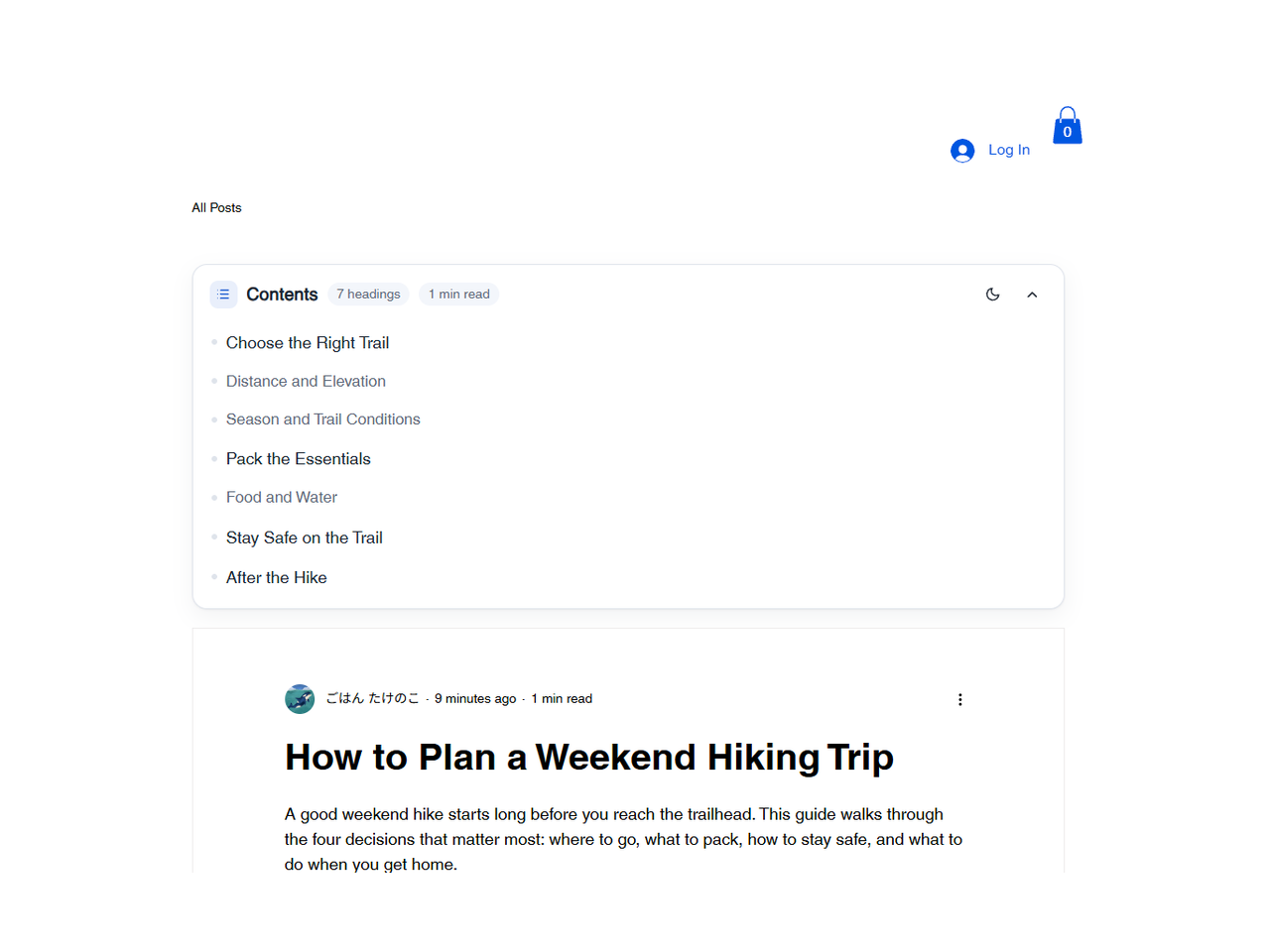
  • Contents list built from post headings
  • Select a line to jump to the heading
  • Depth: h2, h2 to h3, or h2 to h4
  • Works with Japanese headings
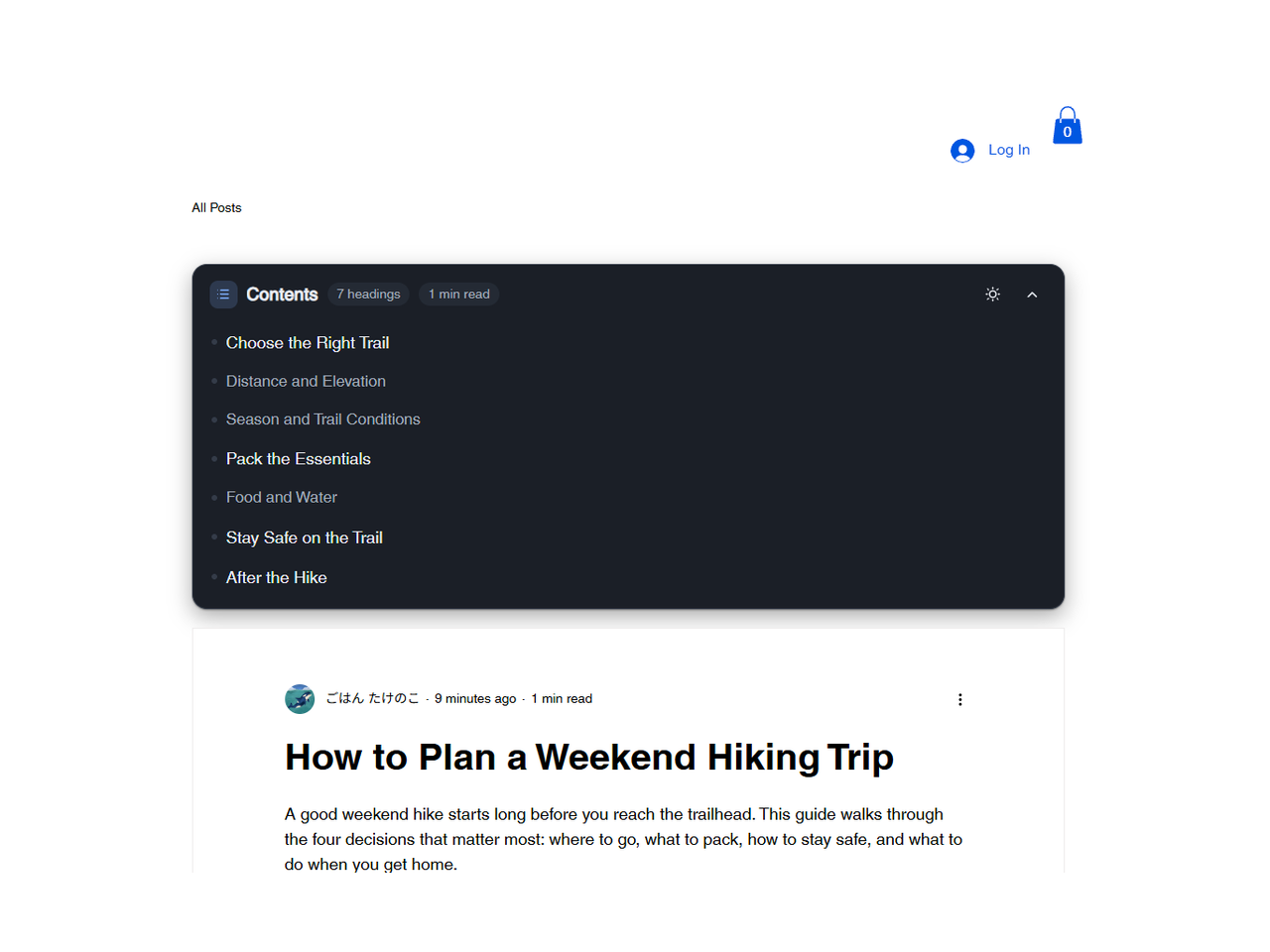
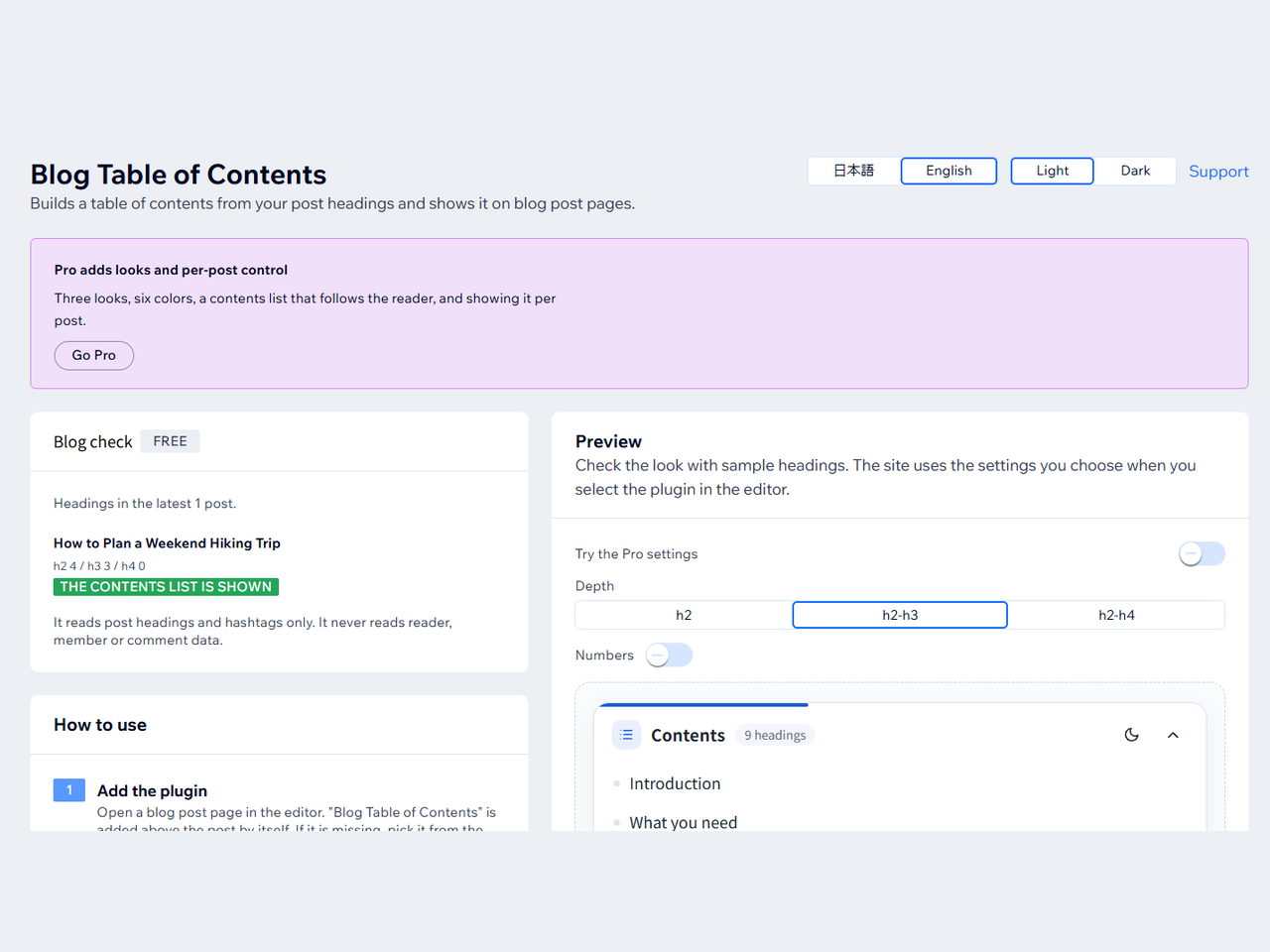
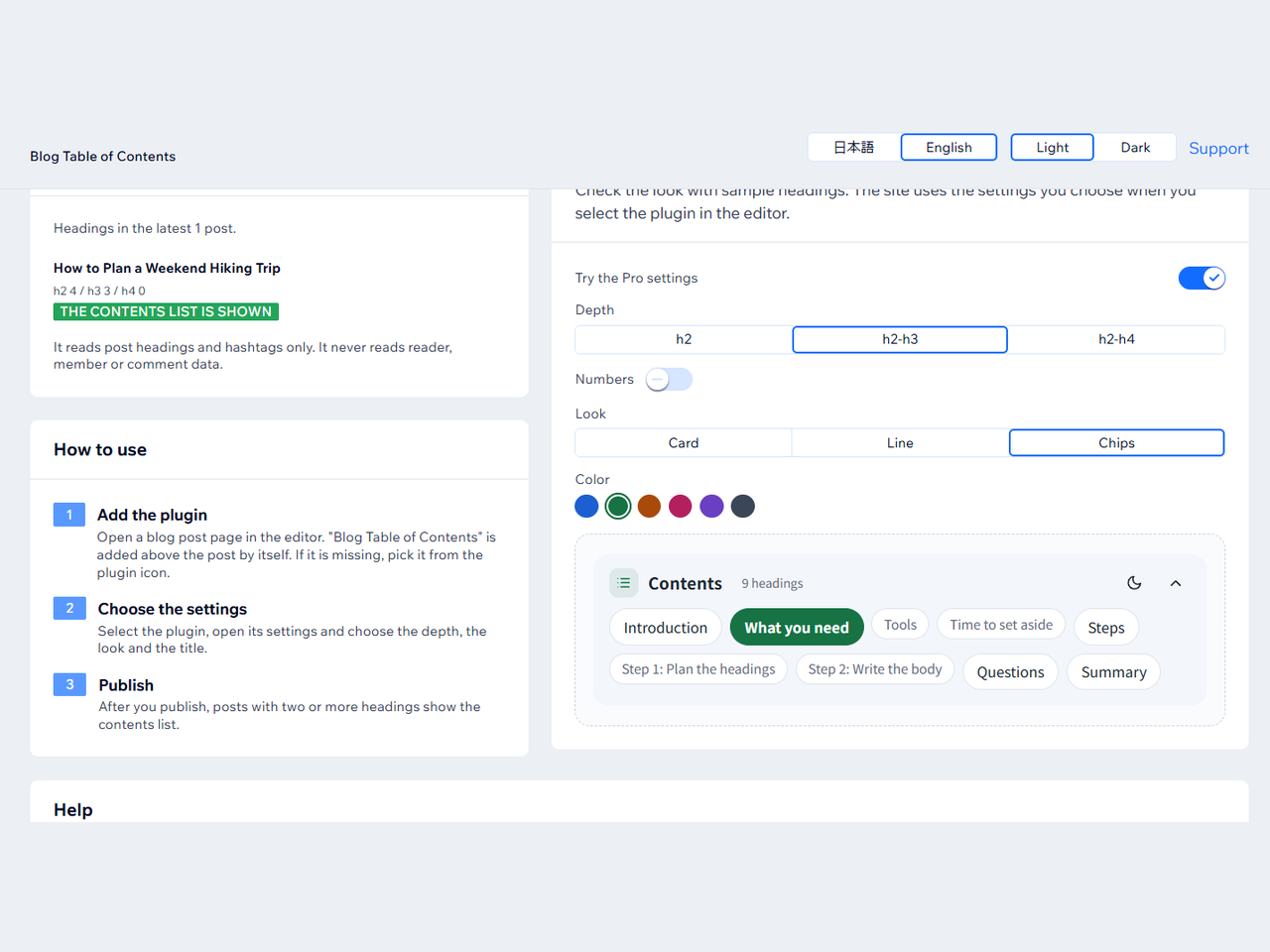
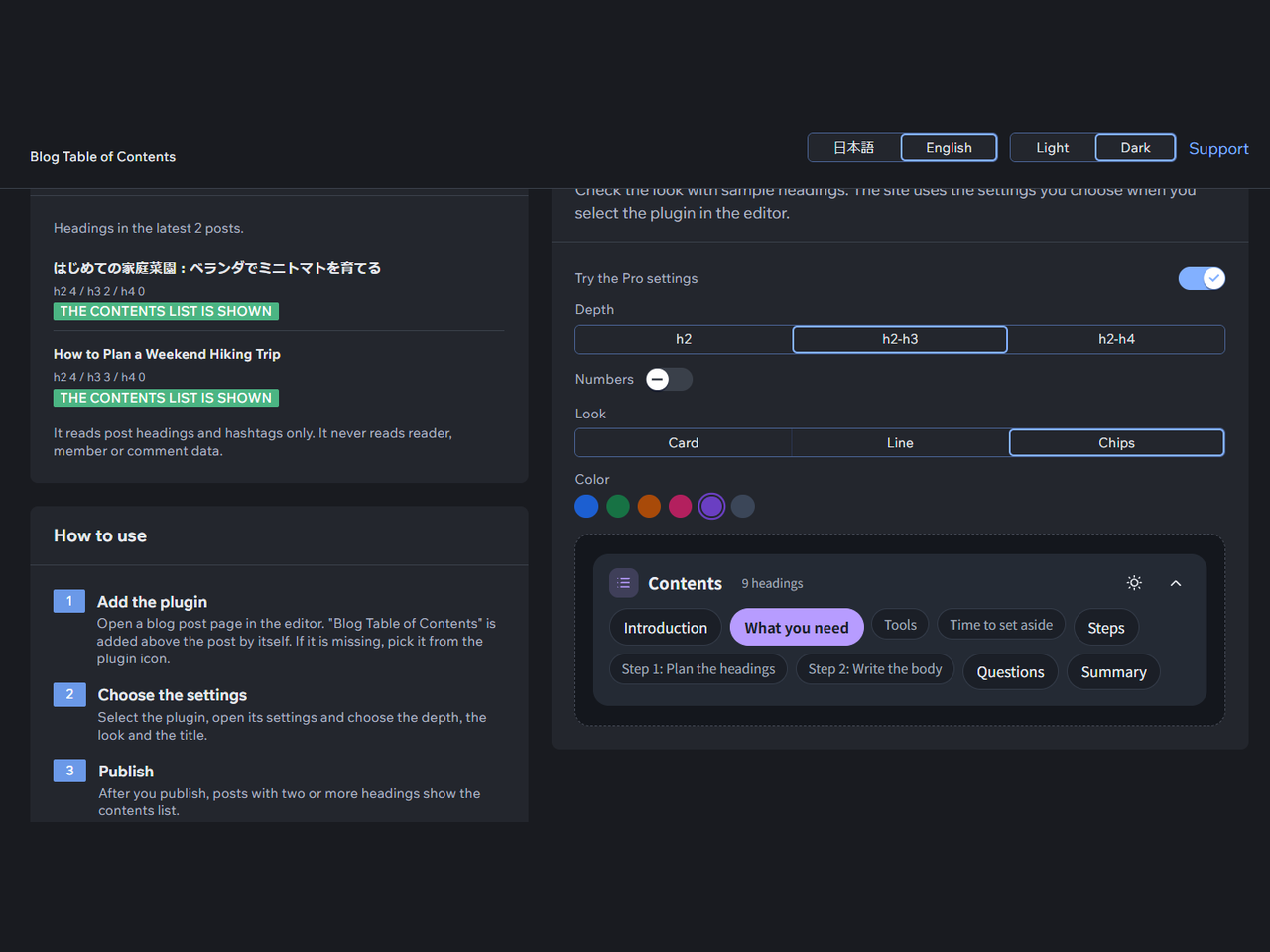
Long blog posts are hard to scan, and adding a table of contents usually means writing code. This app adds a table of contents to the top of your blog post page, built from the headings of each post. Selecting a line scrolls to that heading. Japanese headings work. It appears on posts with two or more headings, and you can raise that number up to eight. In the editor you can set the title, the depth (h2 only, h2 to h3, or h2 to h4), numbering, space for a fixed site header, language, and light or dark display. On a phone it starts closed. A dashboard page shows a preview and checks the latest 10 posts to show why one has no table of contents. Free shows the table of contents in the standard blue card. The free plan shows no watermark or credit line. Pro adds three looks, six colors, a floating panel that follows the reader and marks the heading being read, and control per post: add #notoc or #目次なし to hide it on one post, or show it only on posts tagged #toc. A post shows no table of contents when it has fewer headings than the minimum or is left out by the hashtag rules. The app reads post headings and hashtags only, not readers, members or comments.
適用地區:
此應用程式全球適用。
應用程式語言:
英語
網站需求:
-

評分與評論

此應用程式尚無評論,請來成為第一個評價的人。

定價與方案

Basic 方案

免費

Contents list on posts with headings
Depth, title, numbering, minimum count
English or Japanese, light or dark
Space for a fixed site header
Pro 方案
$

2

99
/月
3 looks and 6 accent colors
Contents list that follows the reader
Show or hide it per post
* 價格以 USD 為單位。

構置並推出應用程式,連繫超過 2.3 億位 Wix 使用者