Wix App Market Logo

wix logo


Trending Topics
網路商店
預訂
活動
快顯
Bulk Stock Count and Update logo

Bulk Stock Count and Update

製作者:
Inventory count and bulk stock edits, previewed
尚無評論
提供免費方案

Bulk Stock Count and Update 概覽

  • Set or adjust stock for many products at once
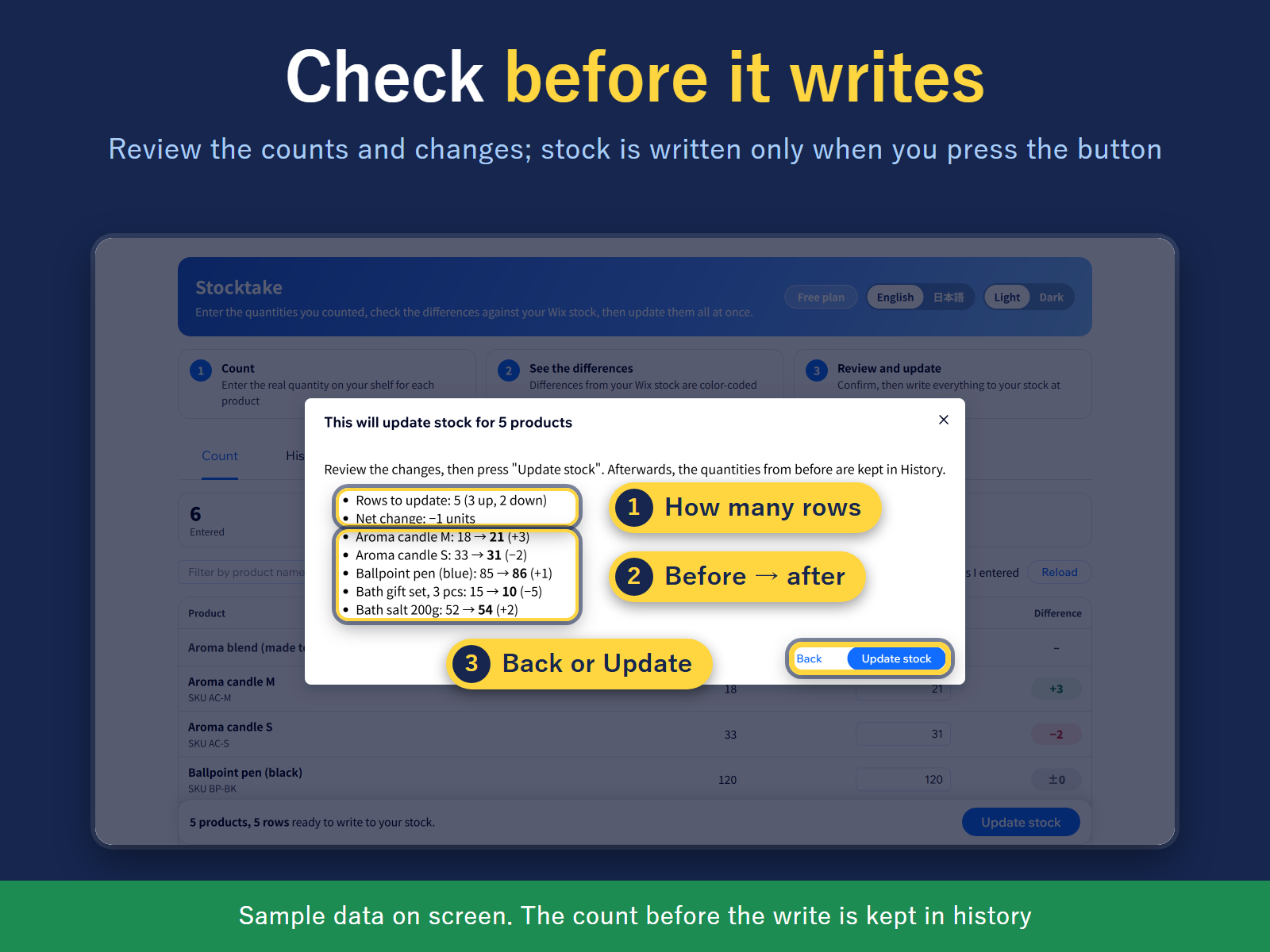
  • Review every change before stock is written
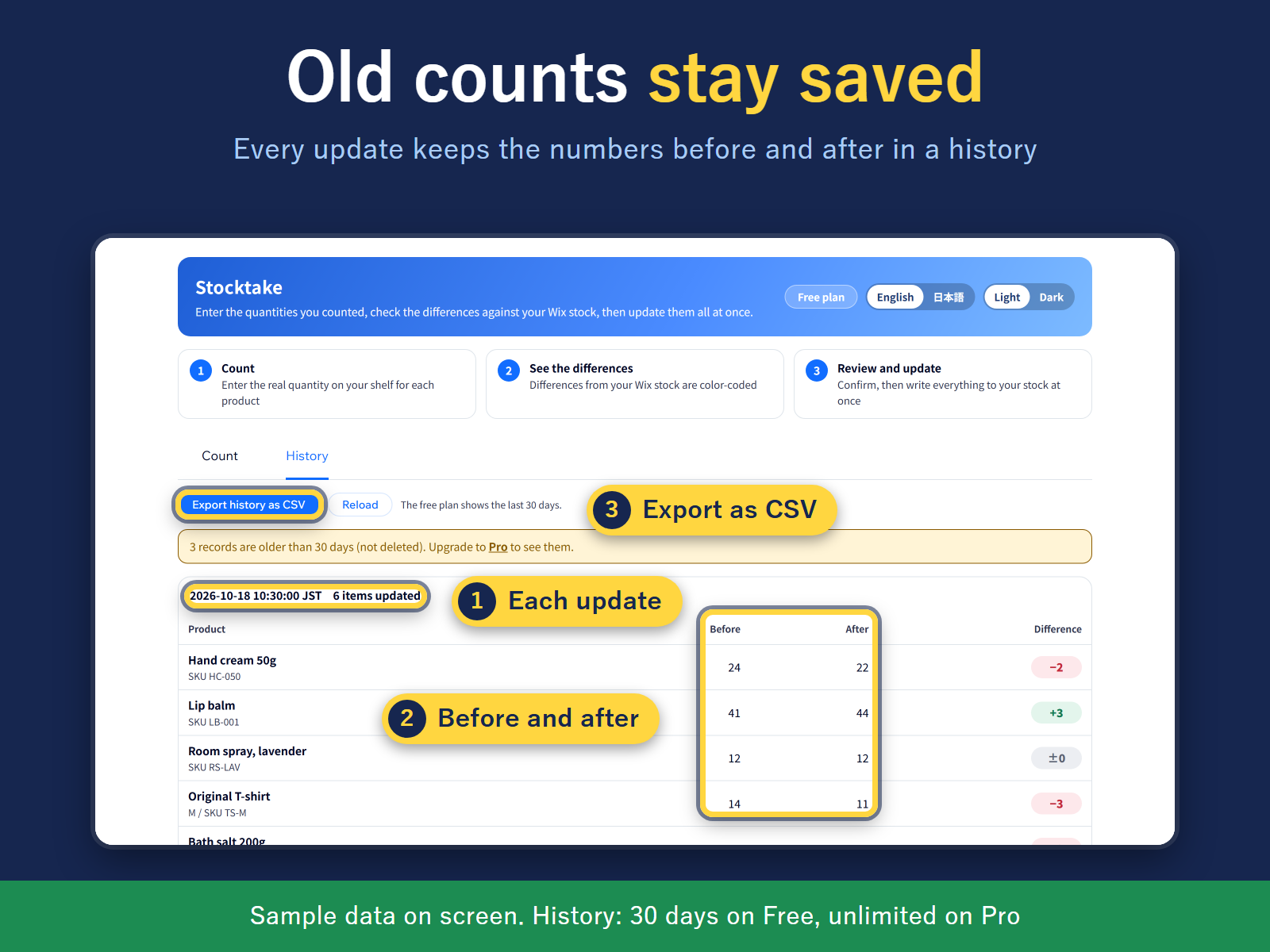
  • Before/after history of each update, as CSV
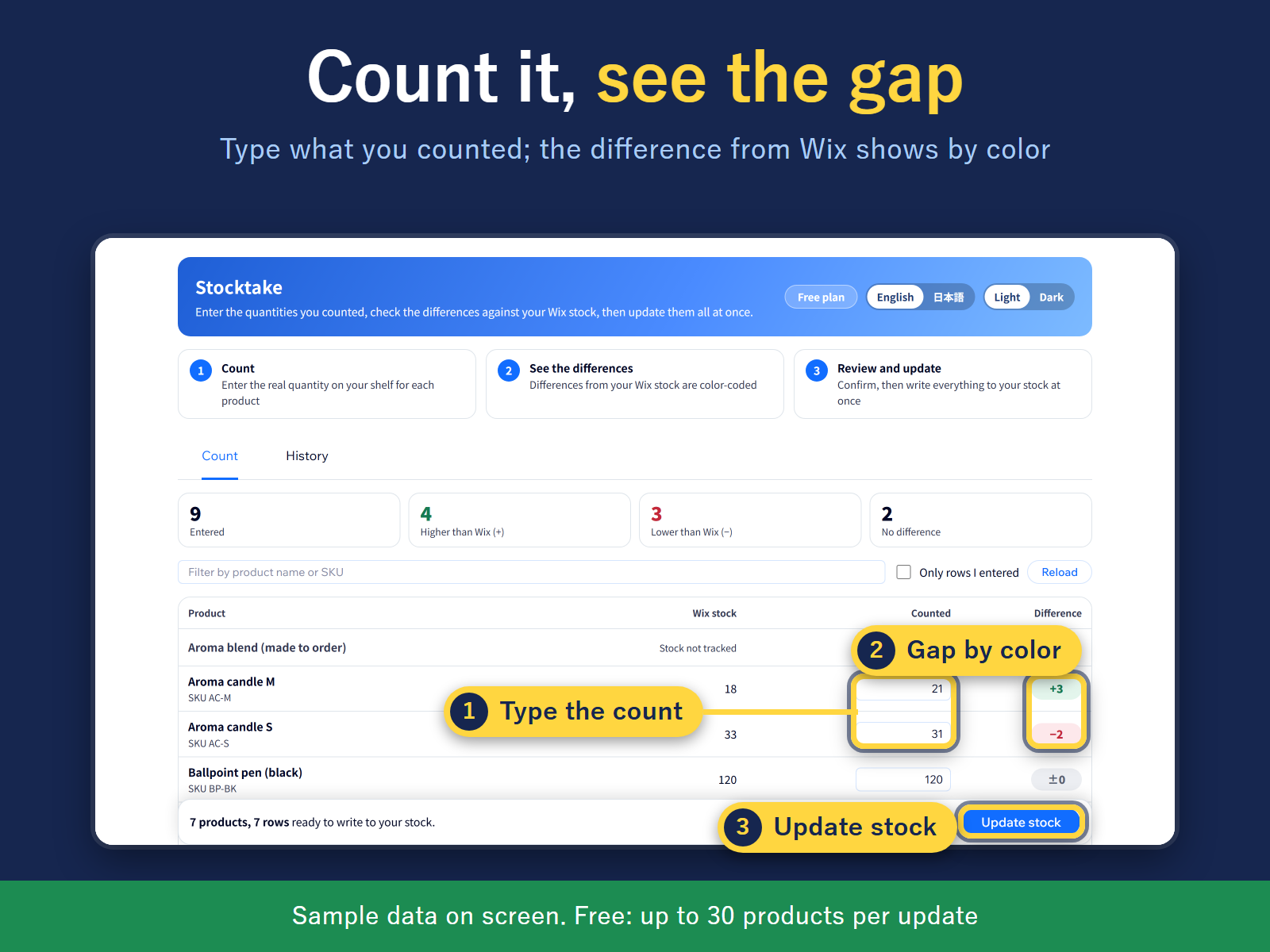
Changing stock one product at a time takes a long afternoon. Stocktake puts every product and variant in one table. No scanner is needed: type the quantities you counted, from paper or a sheet, or fill the products you have filtered with one number. A bulk edit can set stock to a number, or add to or subtract from the current stock, and a subtraction stops at 0. You can filter to products at or below a stock level. It works with products that have stock tracking on in your store; others are greyed out. Nothing is written when you fill the boxes. A review screen first shows how many products change, the total change, and the first rows as before and after. Stock is written only after you confirm. If an order moved a product's stock while you were counting, that row shows the stock at count time and the stock now, so you can correct it or count again. You can also paste SKUs and quantities from a spreadsheet. Each update is kept in a history with before and after numbers, exportable as CSV. The screen and CSV are in English or Japanese. Free: a limited number of products per update and 30 days of history. Pro: no product limit, unlimited history. Pro has a 14-day free trial.
適用地區:
此應用程式全球適用。
應用程式語言:
英語, 
日語
網站需求:
-

評分與評論

此應用程式尚無評論,請來成為第一個評價的人。

定價與方案

Free 方案

免費

Up to 30 products per stocktake
30 days of stocktake history
Count sheet and difference check
Pro 方案
$

1

79
/月
$299
Unlimited products per stocktake
Full stocktake history, no time limit
Everything in Free
* 價格以 USD 為單位。

構置並推出應用程式,連繫超過 2.3 億位 Wix 使用者