

網路商店
預訂
活動
快顯

Ask in Aria
Accounting Sync for Stores
製作者:
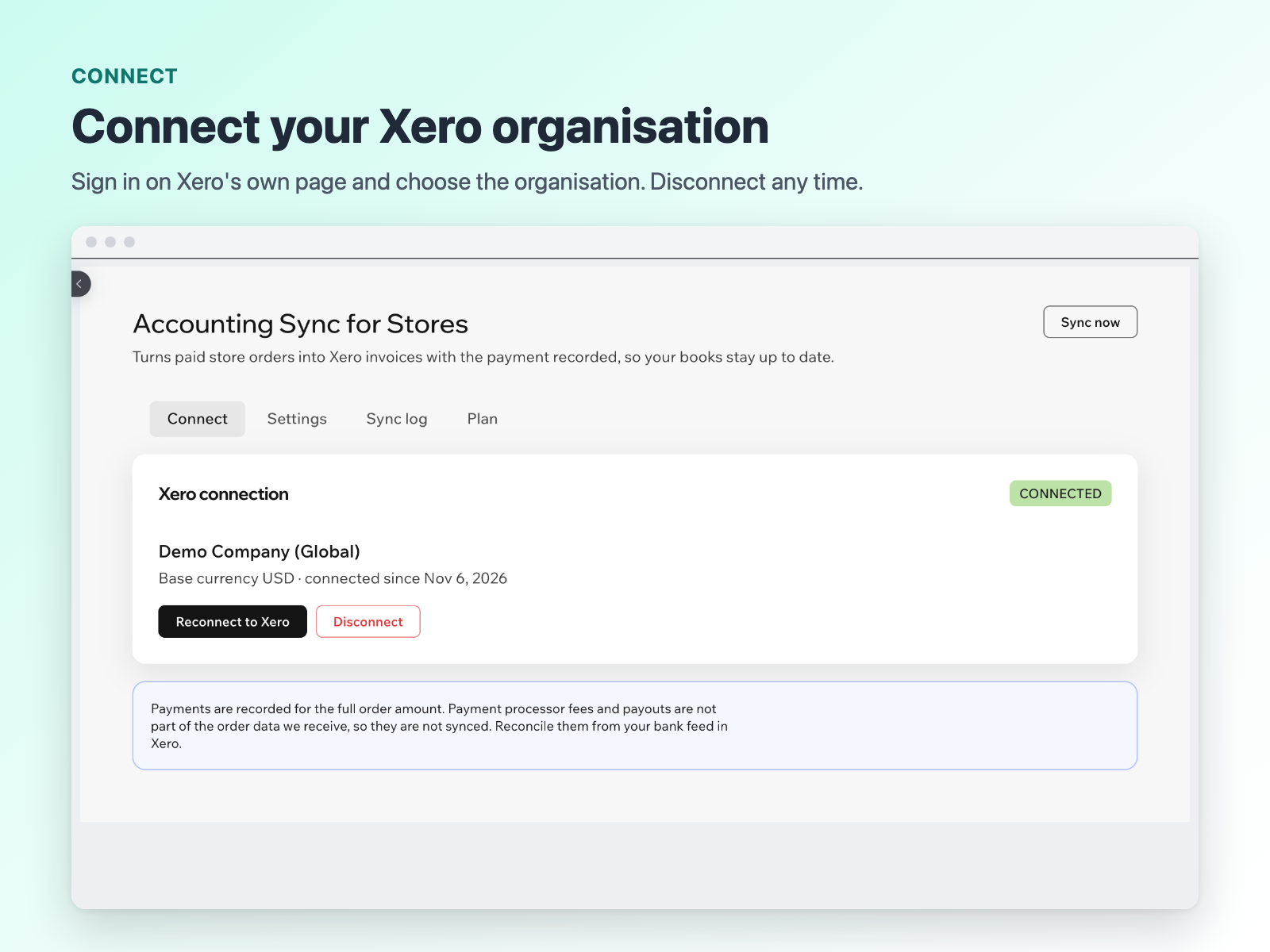
Paid orders to Xero invoices, payments, refunds
尚無評論
14 天免費試用

Accounting Sync for Stores 概覽
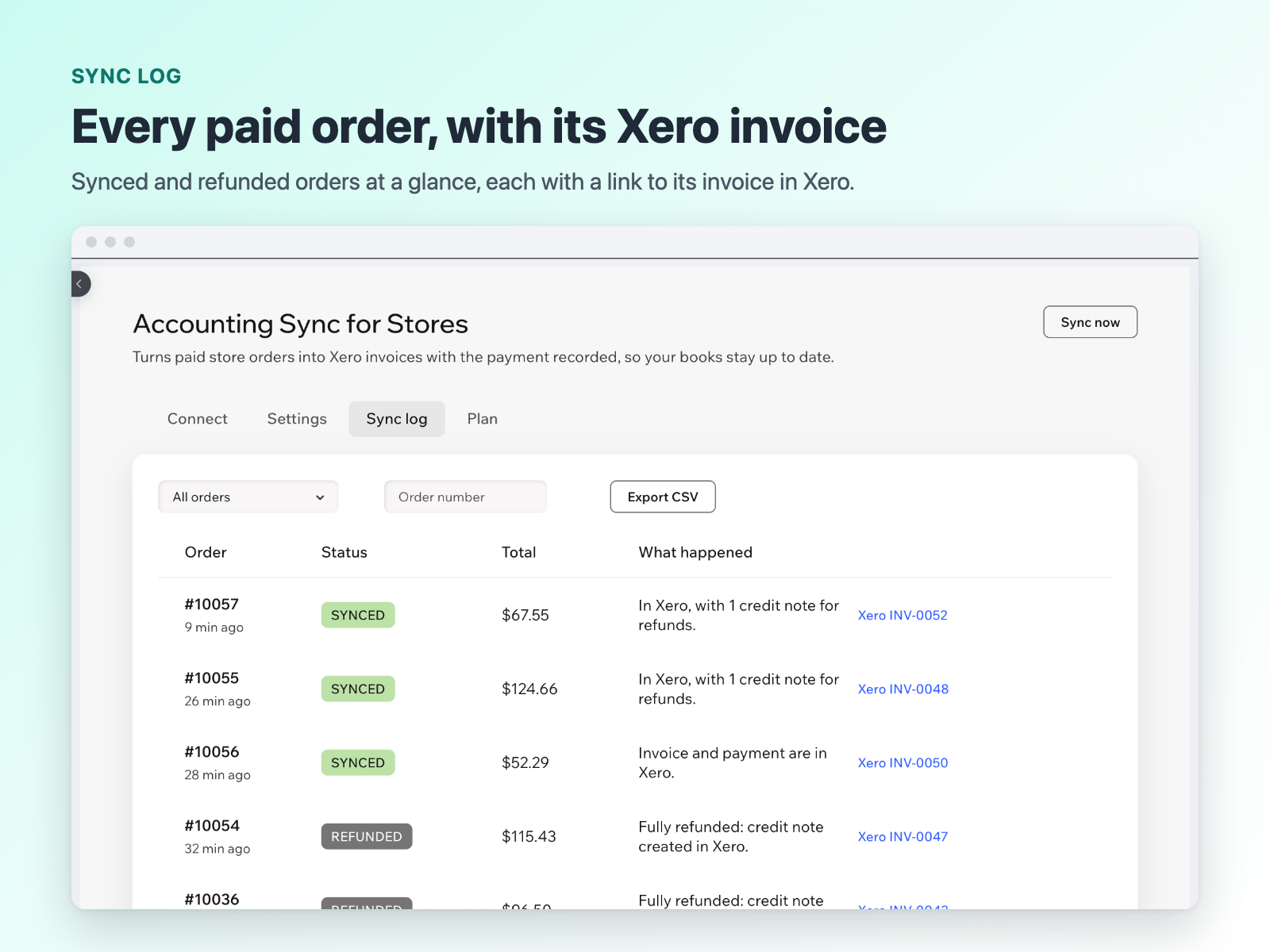
- Paid orders become Xero invoices
- Refunds become credit notes
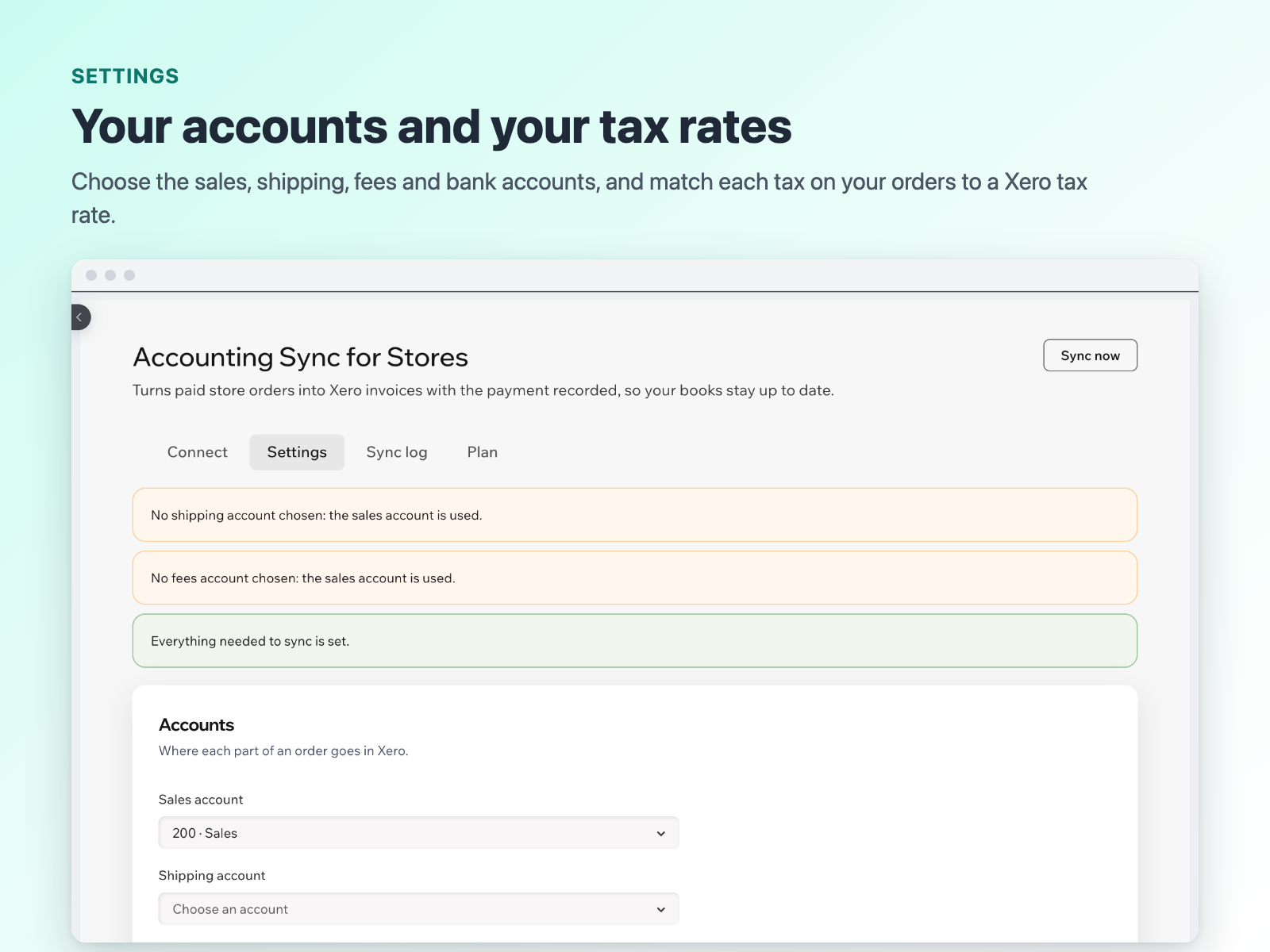
- Tax, discounts, shipping and fees mapped
- Sync log with a link to each invoice
評分與評論
此應用程式尚無評論,請來成為第一個評價的人。定價與方案
此應用程式提供 天免費試用Starter 方案
$
3
50
/月
$500
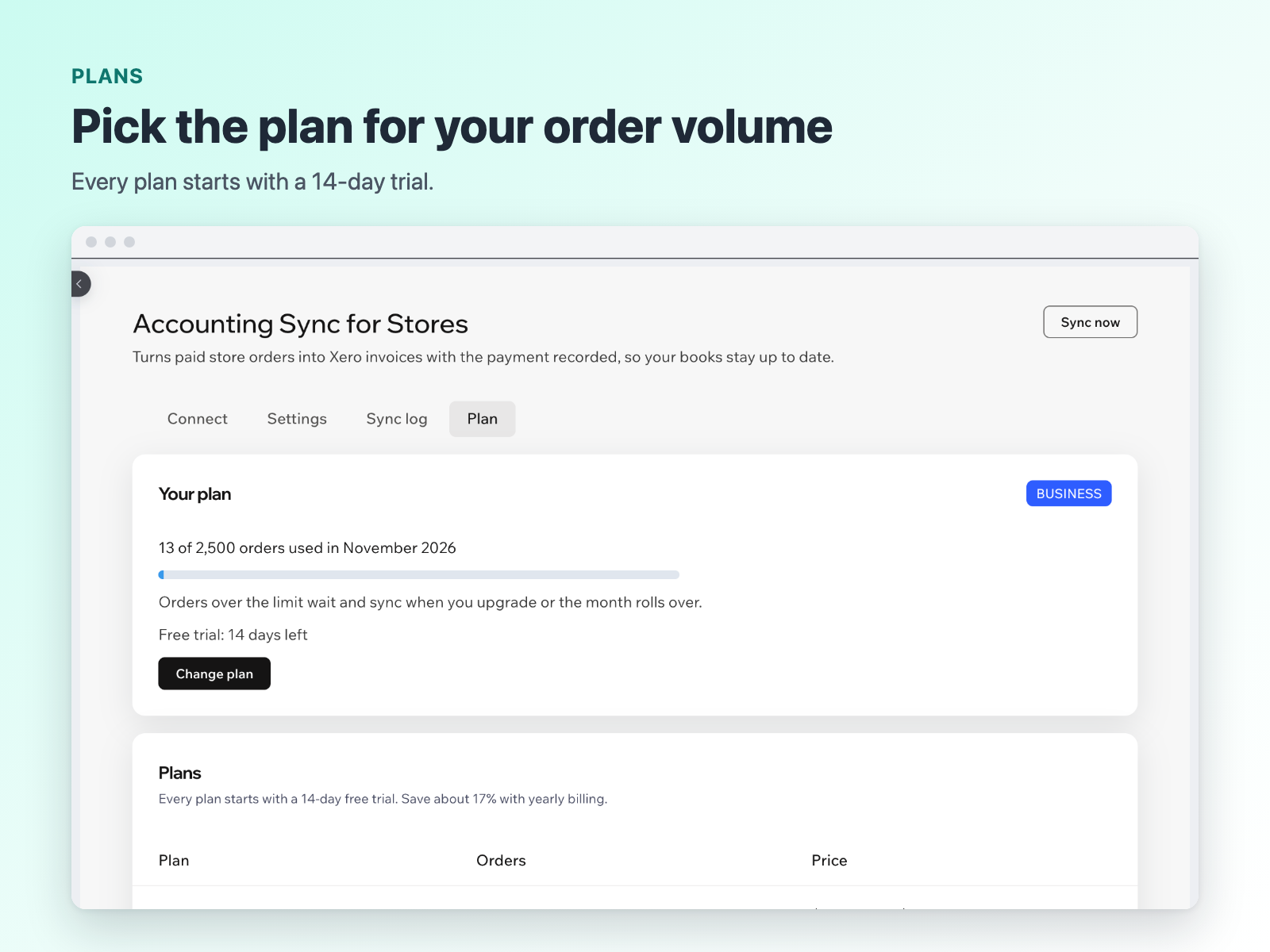
100 orders synced per month
Invoices, payments and refunds
Automatic sync to your accounts
Growth 方案
$
7
00
/月
$1000
500 orders synced per month
Invoices, payments and refunds
For growing stores
Business 方案
$
14
00
/月
$2000
2,500 orders synced per month
Invoices, payments and refunds
Built for high-volume stores
* 價格以 USD 為單位。