

網路商店
預訂
活動
快顯

- 35%
Preload Pages for Speed Boost
製作者:
Boost Page Speed with Instant Link Preloading
尚無評論
提供免費方案

Preload Pages for Speed Boost 概覽
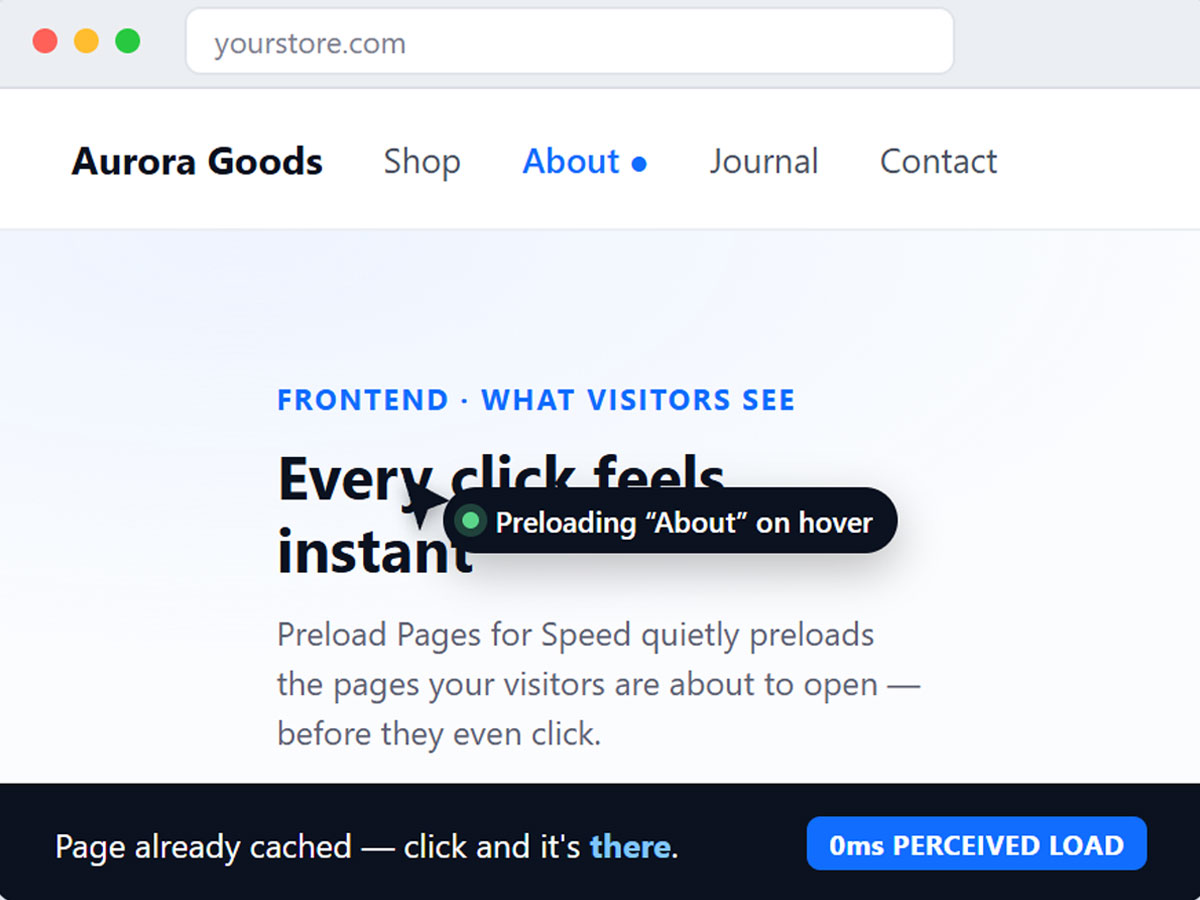
- Instant Navigation on Every Click: Pages load in the background before visitors even click a link, so every page transition feels instant - no spinners, no wait
- Smart Hover & Viewport Preloading: Automatically detects which links a visitor is likely to click next, either the moment their cursor hovers over a link or as soon as it scrolls into view and preloads it silently in the background
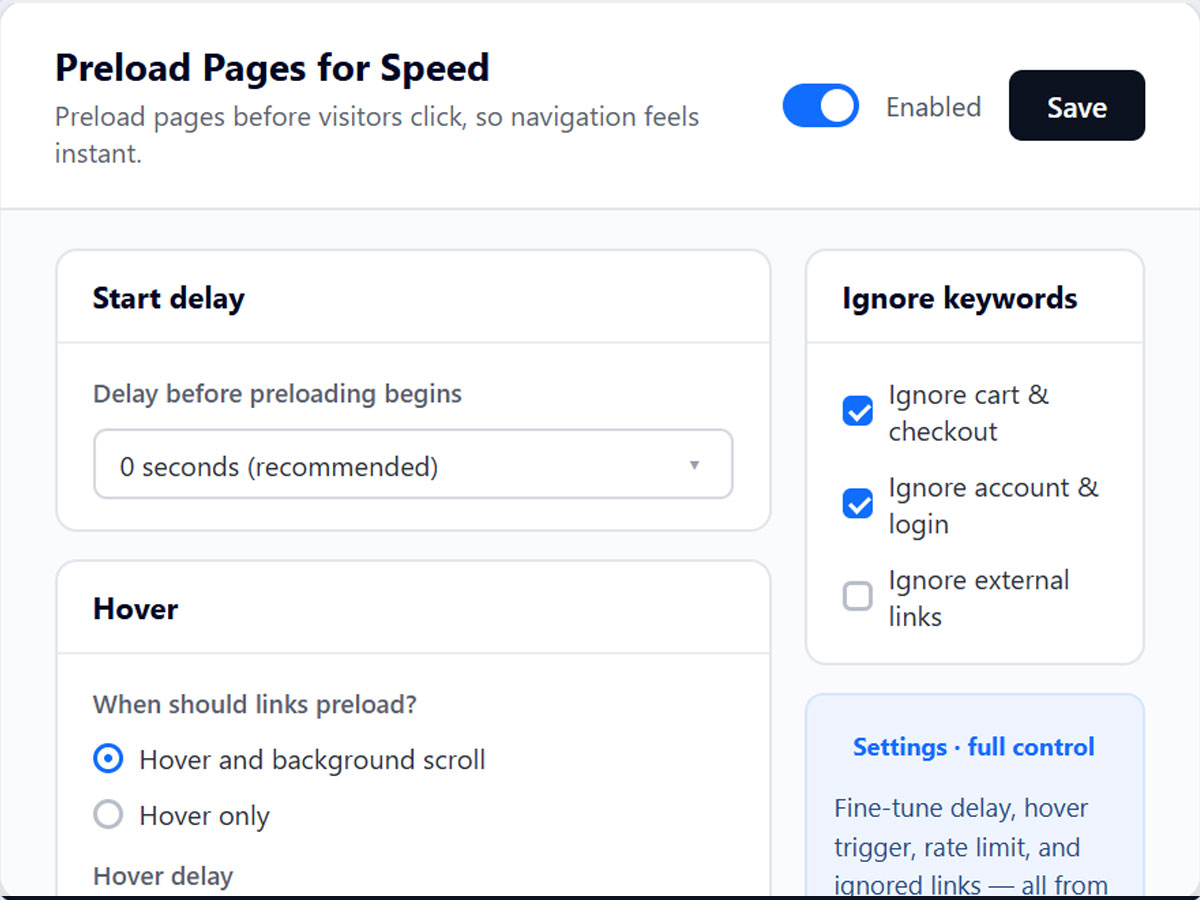
- Full Control Over What Gets Preloaded: Fine-tune exactly how preloading behaves: switch to hover-only mode, set a custom start delay, exclude specific links or URL patterns, and rate-limit requests so preloading never overloads your server or eats into visitors' bandwidth
- One Page, One Toggle, Zero Setup Hassle: No code, no complicated configuration. A single settings page lets you turn preloading on, adjust behavior, and save, done in under a minute
評分與評論
此應用程式尚無評論,請來成為第一個評價的人。定價與方案
Basic 方案
免費
Instant-feel navigation via link prelo
Hover & viewport-based preload trigger
Rate limit up to 3 requests/sec
Hover delay presets (0-200ms)
Premium 方案
- 35%
$
2
53
/月
$390
Higher rate limits, up to Unlimited
Finer hover-delay control (150-1000)
Custom never-preload keyword rules
Priority support
* 價格以 USD 為單位。
* 特賣至 23:59 (UTC) 為止。應用程式開發人員有權隨時結束特賣活動,特賣條款也可能會變更。