Wix App Market Logo

wix logo


Trending Topics
網路商店
預訂
活動
快顯
Blog Backup & Export logo

Blog Backup & Export

製作者:
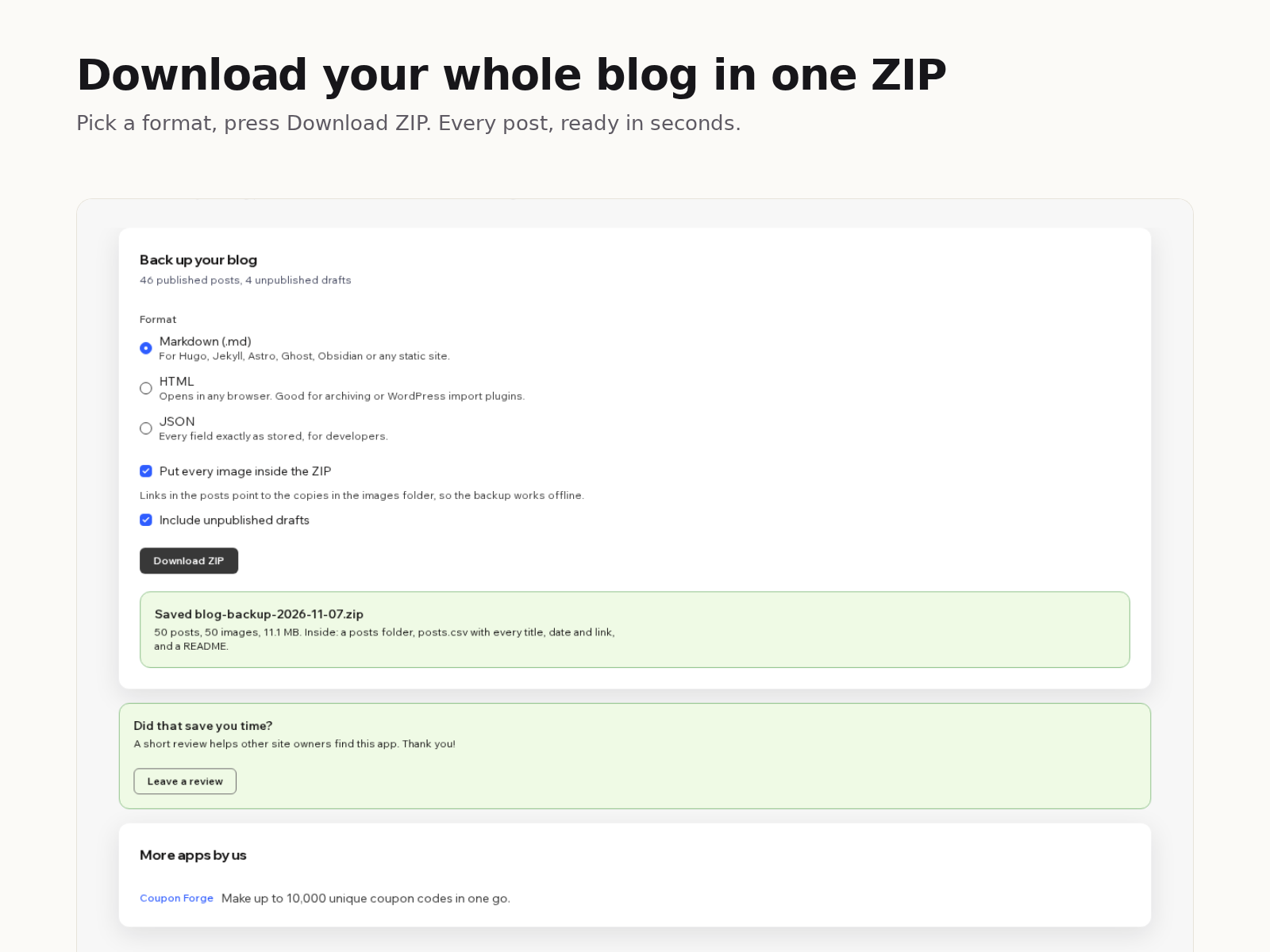
Download all blog posts as Markdown or HTML
尚無評論
提供免費方案

Blog Backup & Export 概覽

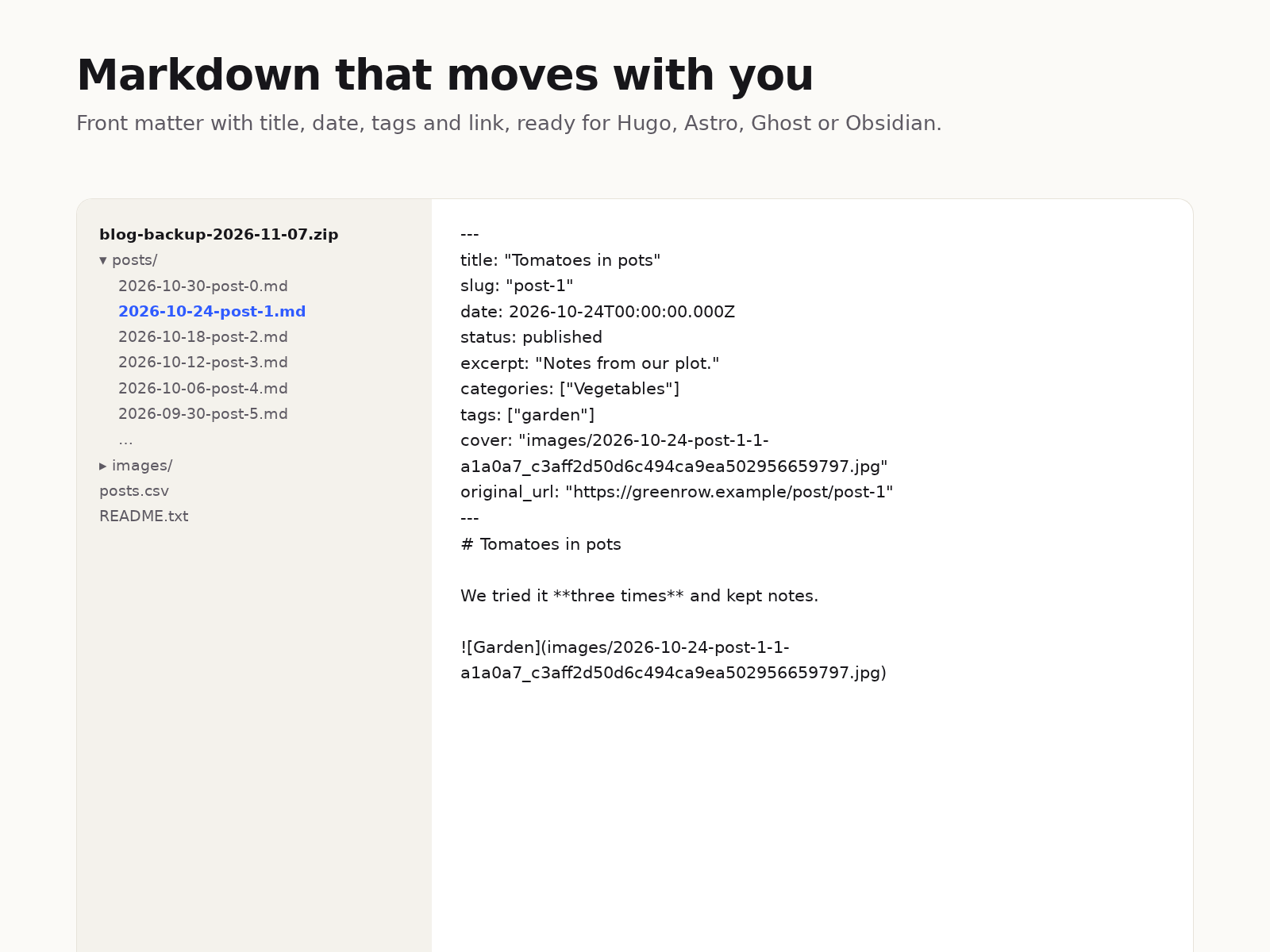
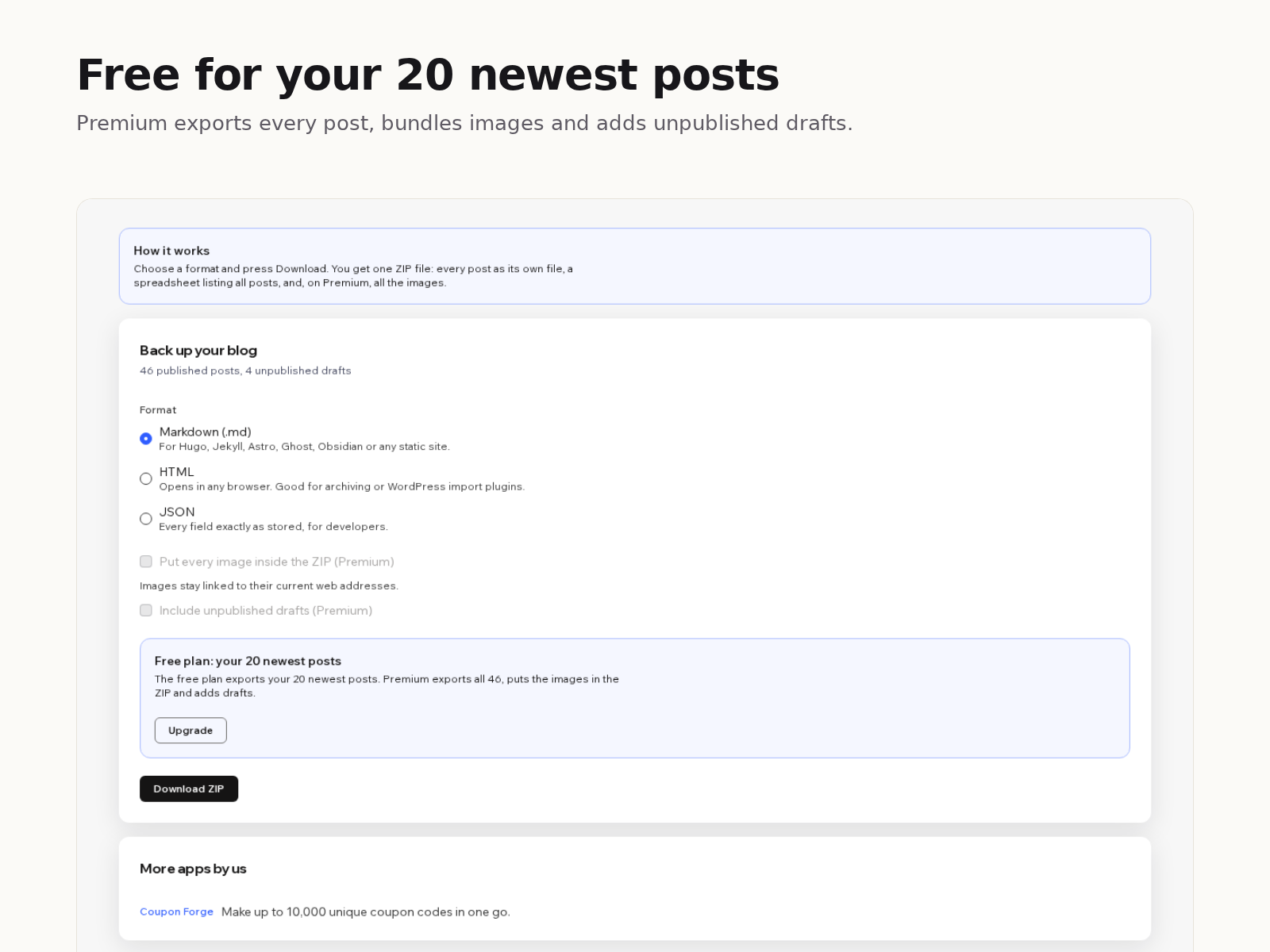
  • Every post as its own Markdown, HTML or JSON file
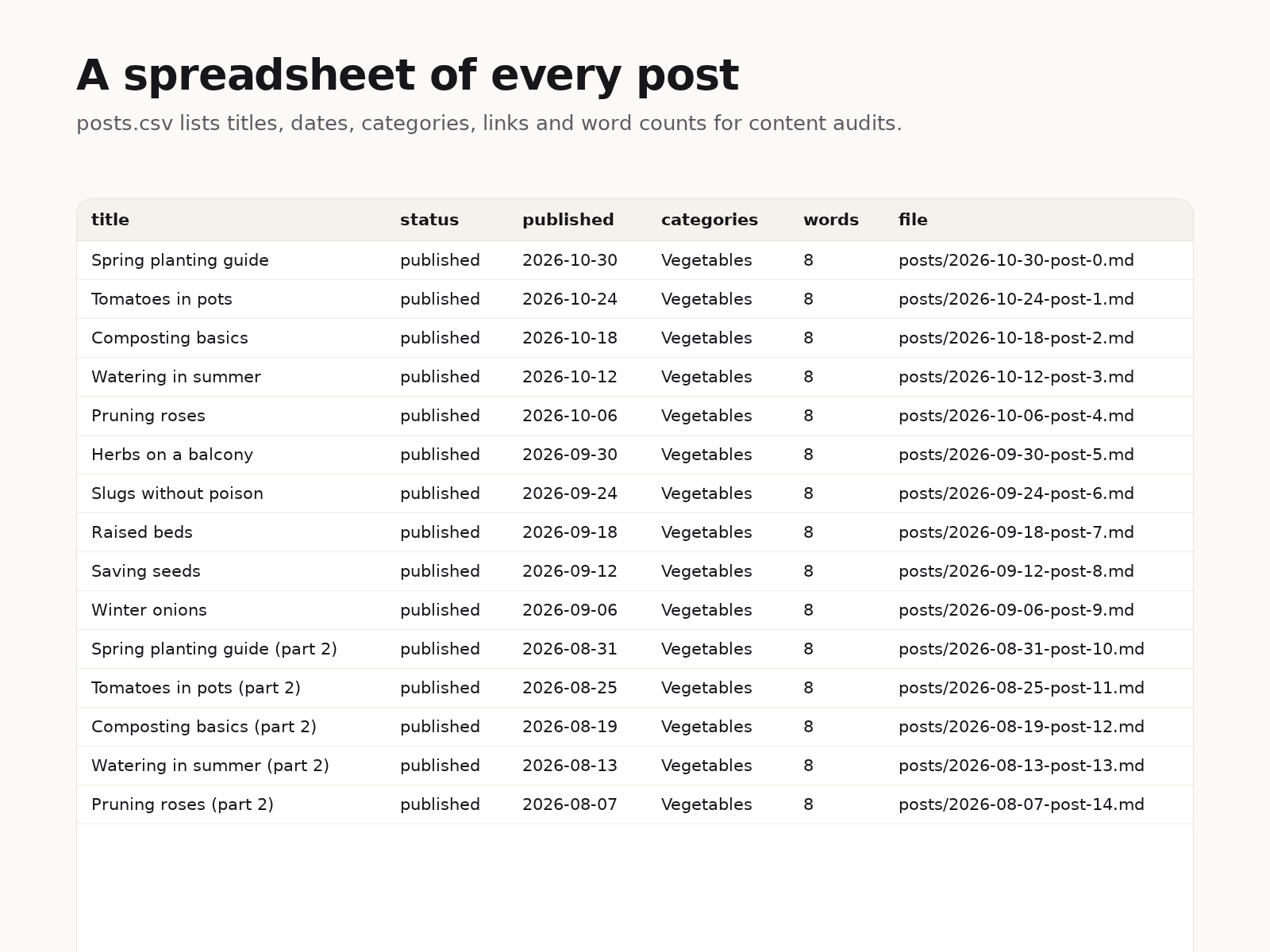
  • A spreadsheet of all posts with dates, links and word counts
  • Titles, dates, categories and tags kept in each file
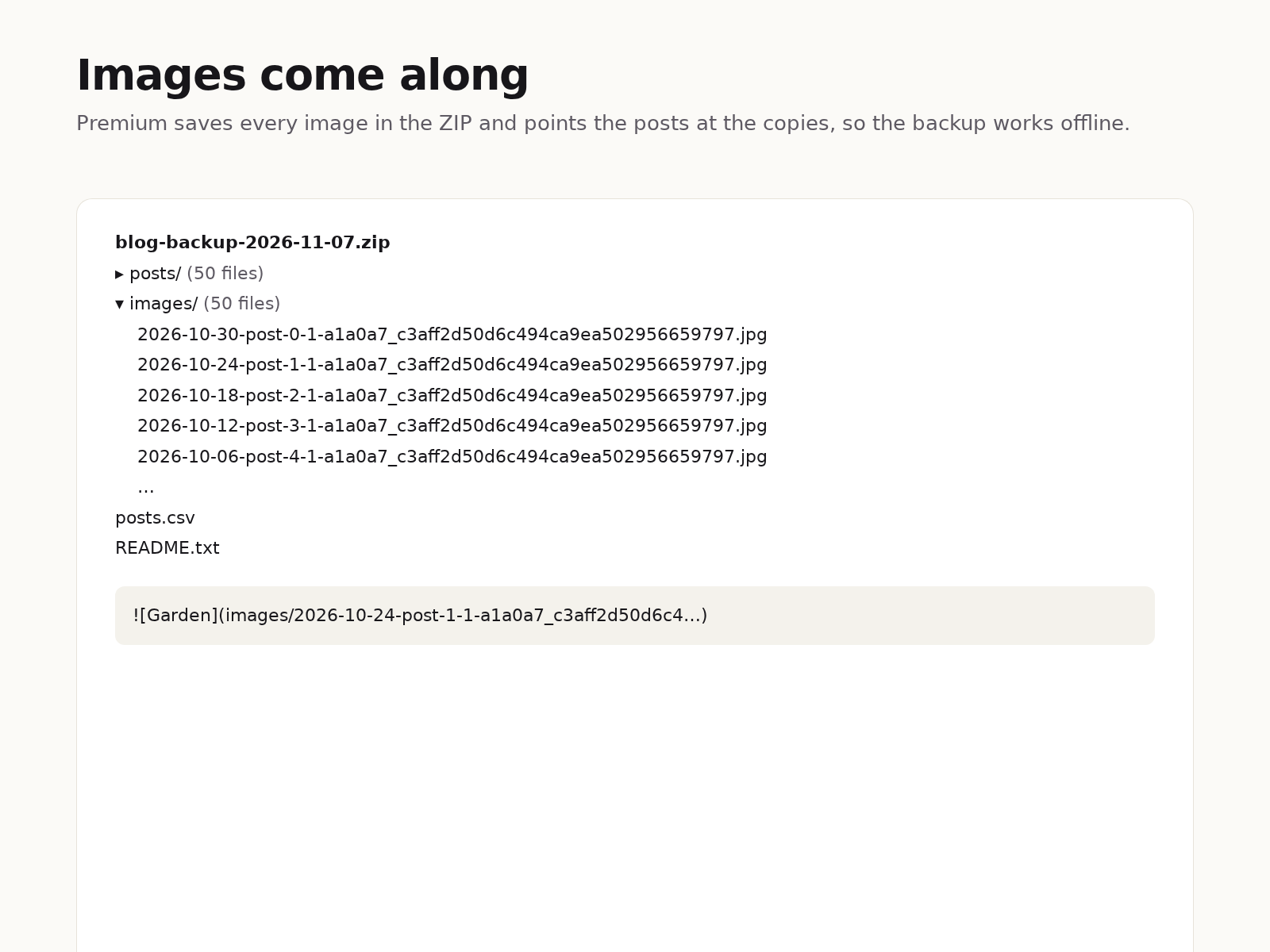
  • Images saved inside the ZIP so the backup works offline
Your blog posts live inside your site, and there is no built-in button to download them. Blog Backup & Export adds one. Pick a format, press Download ZIP, and a few seconds later you have a file on your computer with every post in it. Markdown files start with front matter (title, date, slug, categories, tags, cover image and the original link), so they drop straight into most static site generators or a Markdown notes folder. HTML files open in any browser. JSON keeps every field exactly as your site stores it. Headings, lists, quotes, links, code blocks, tables and images come across as real Markdown or HTML, not as one long paragraph. The ZIP also holds posts.csv, one row per post with its title, status, dates, link, category and word count, which is handy for content audits. The free plan exports your 20 newest posts with image links left pointing at your site. Premium exports every post, puts each image in an images folder with the links rewritten to match, and adds unpublished drafts. Everything happens in your browser: the app has no server, stores nothing and sends your content nowhere.
適用地區:
此應用程式全球適用。
應用程式語言:
英語

評分與評論

此應用程式尚無評論,請來成為第一個評價的人。

定價與方案

Basic 方案

免費

Your 20 newest posts
Markdown, HTML or JSON
posts.csv index and README
Image links kept as they are
Premium 方案
$

3

00
/月
Every published post, no limit
Images inside the ZIP
Unpublished drafts
Everything in the free plan
* 價格以 USD 為單位。

構置並推出應用程式,連繫超過 2.3 億位 Wix 使用者