

網路商店
預訂
活動
快顯

QuickSync for QuickBooks
製作者:
QuickBooks Online inventory & item connector
尚無評論
提供免費方案

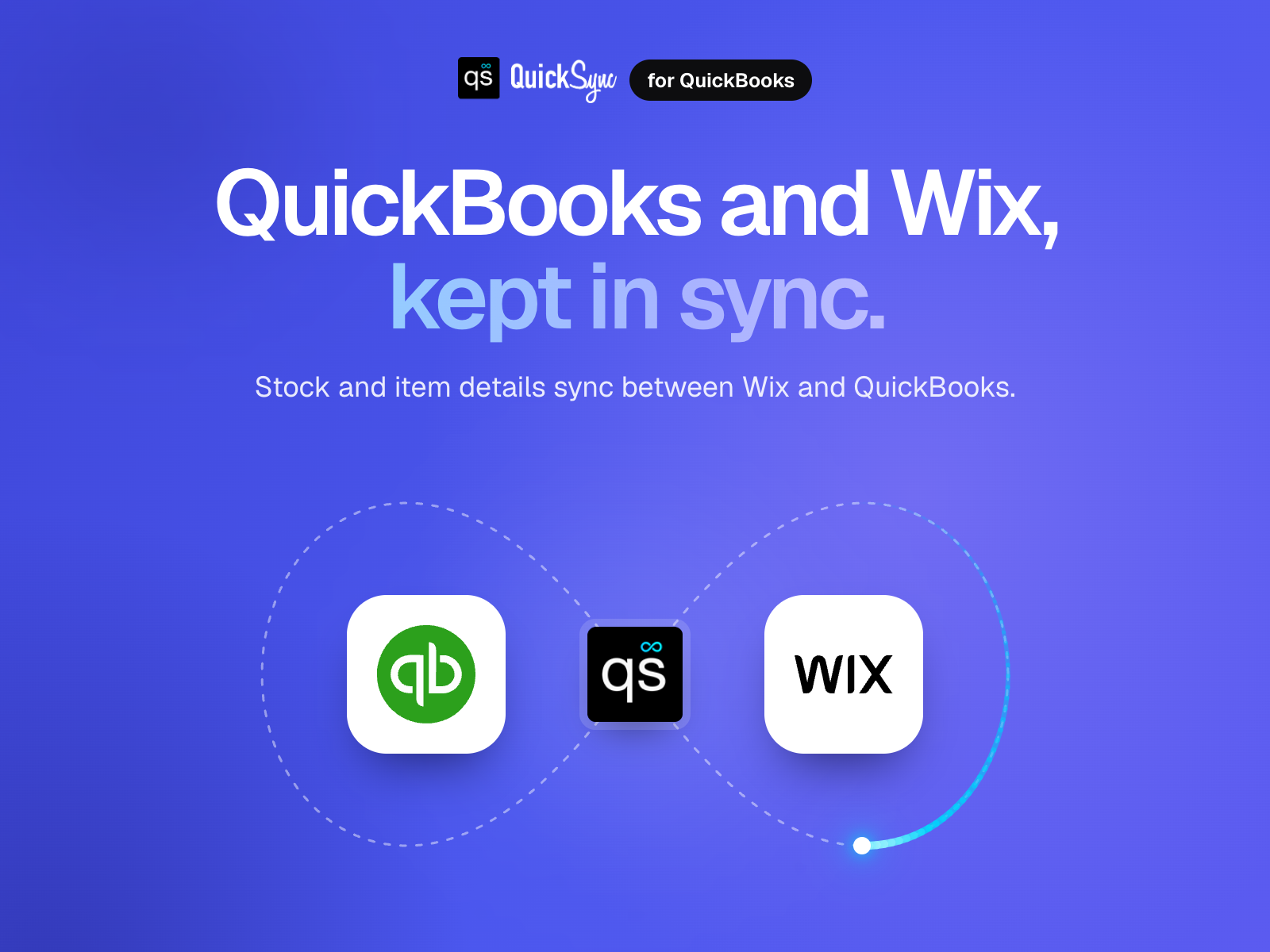
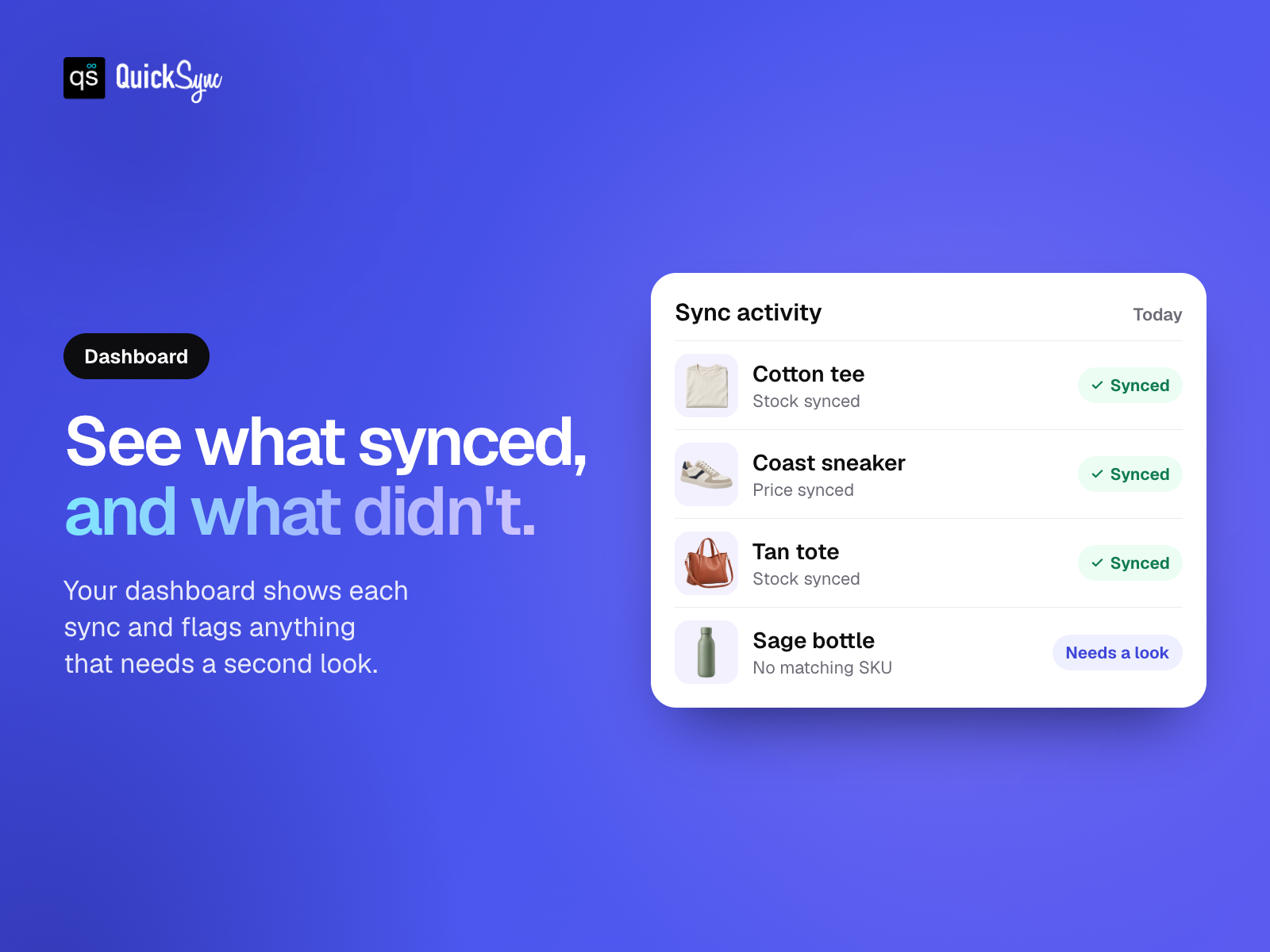
QuickSync for QuickBooks 概覽
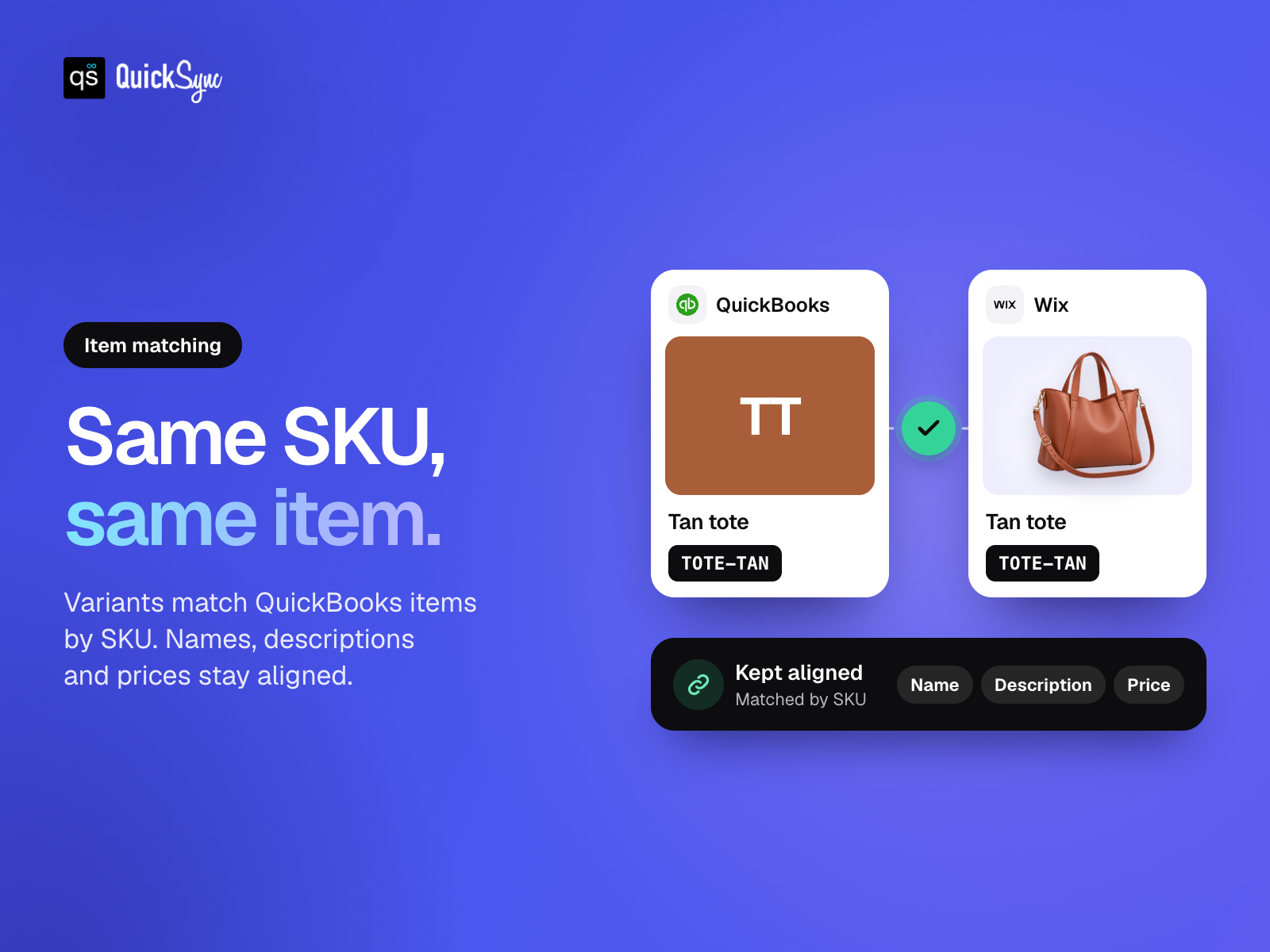
- Match your items. Link store variants to QuickBooks using their SKUs
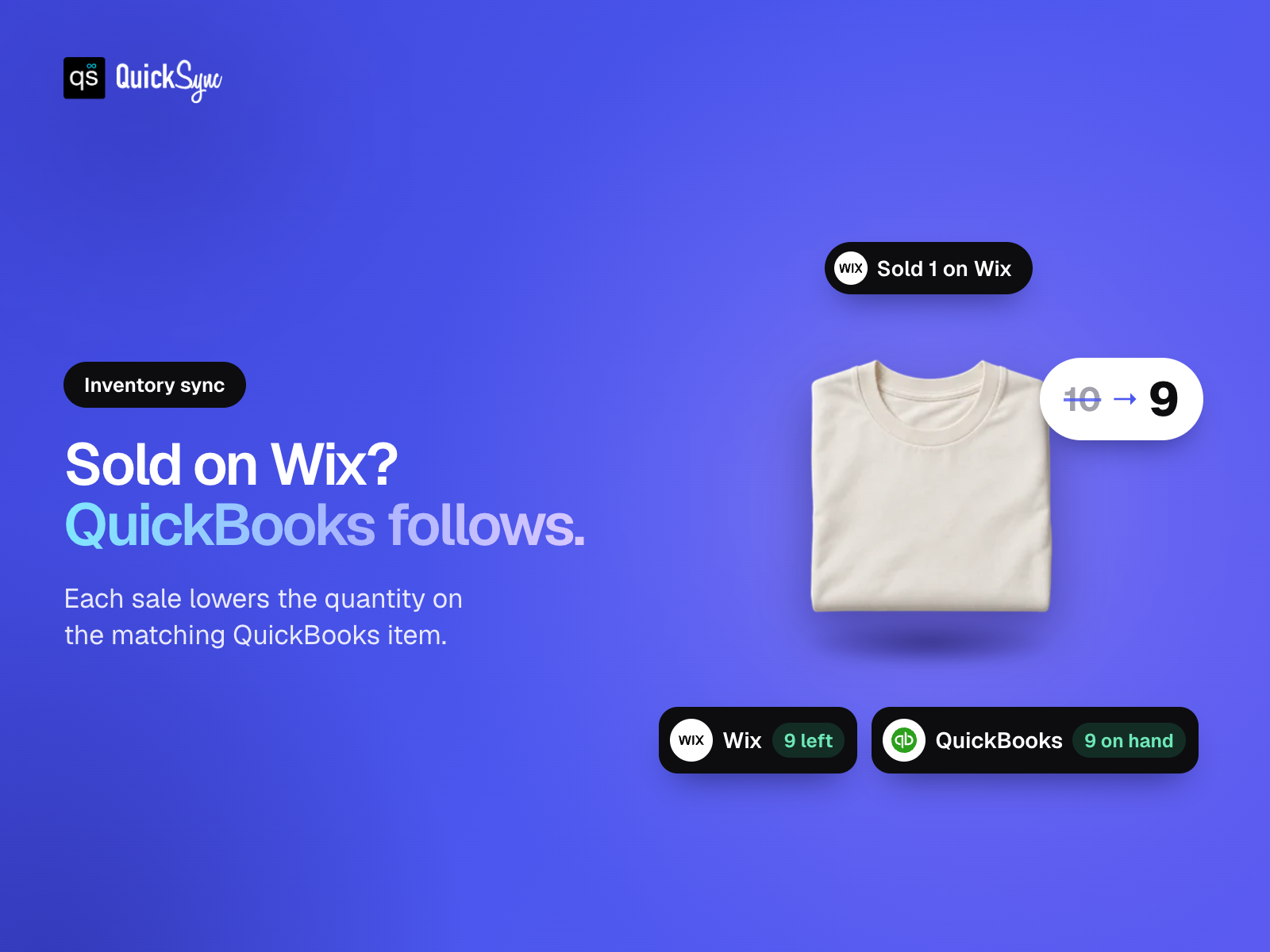
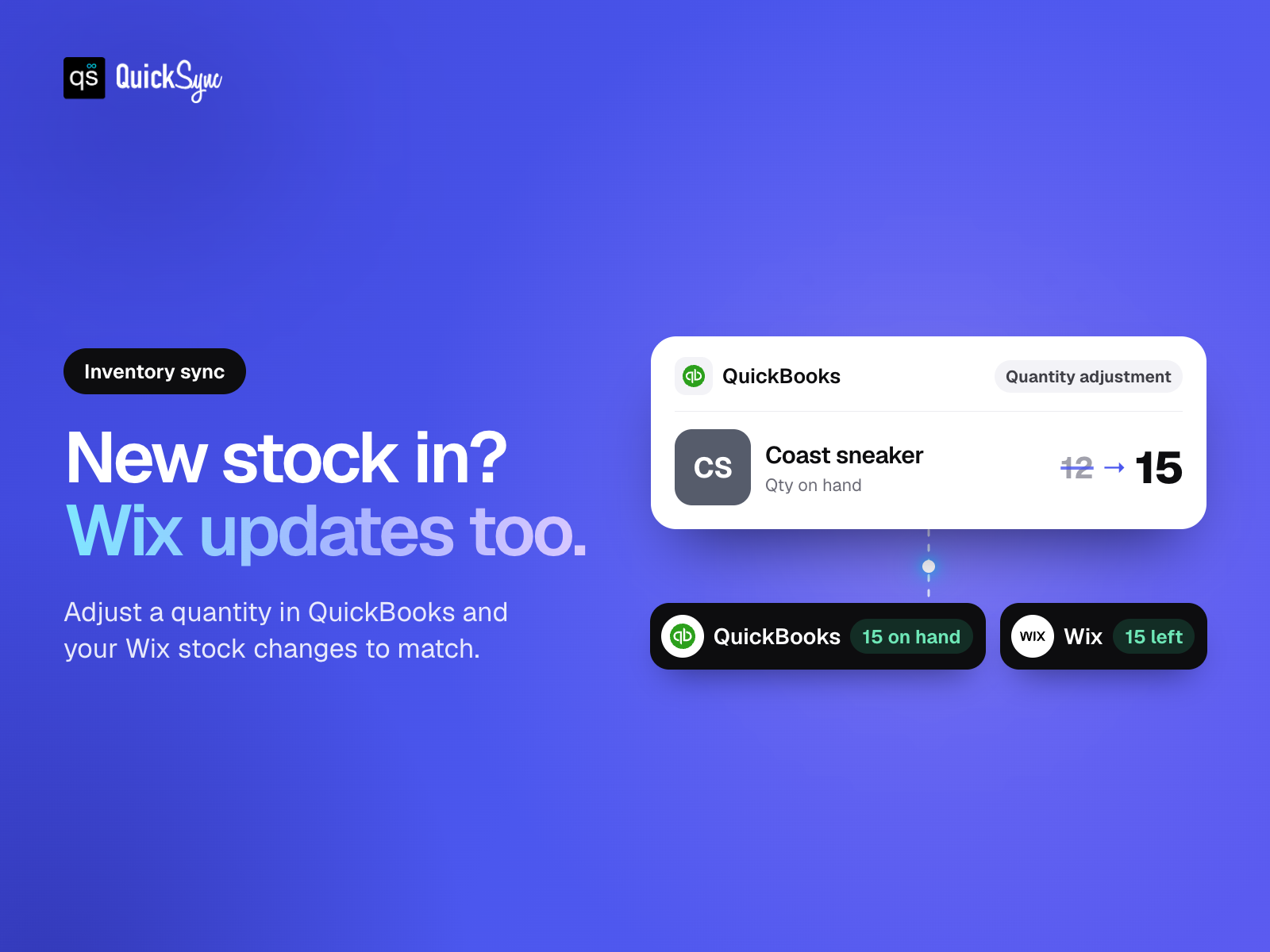
- Keep stock in sync. Update quantities for inventory-tracked QuickBooks items
- Update items once. Send supported details from your store to QuickBooks
- Choose what syncs. Select your products and review your item matches
評分與評論
此應用程式尚無評論,請來成為第一個評價的人。定價與方案
Basic 方案
免費
Real-time inventory syncing
Standard support
Import & export products
Sync up to 100 items
Pro 方案
$
26
00
/月
Everything in Lite
Product & order syncing
Sync up to 2.5K items
Priority support
Ultra 方案
$
62
00
/月
Everything in Pro
Sync up to 10K items
Forex & price rules
Priority support
Ultra + 方案
$
89
00
/月
Everything included in Ultra
Sync up to 20K items
Priority syncing performance
Dedicated priority support
* 價格以 USD 為單位。