

網路商店
預訂
活動
快顯
- 10%
經 Wix 驗證
CMS for Harmony
製作者:
Content management system for the Harmony Editor
4.7
提供免費方案

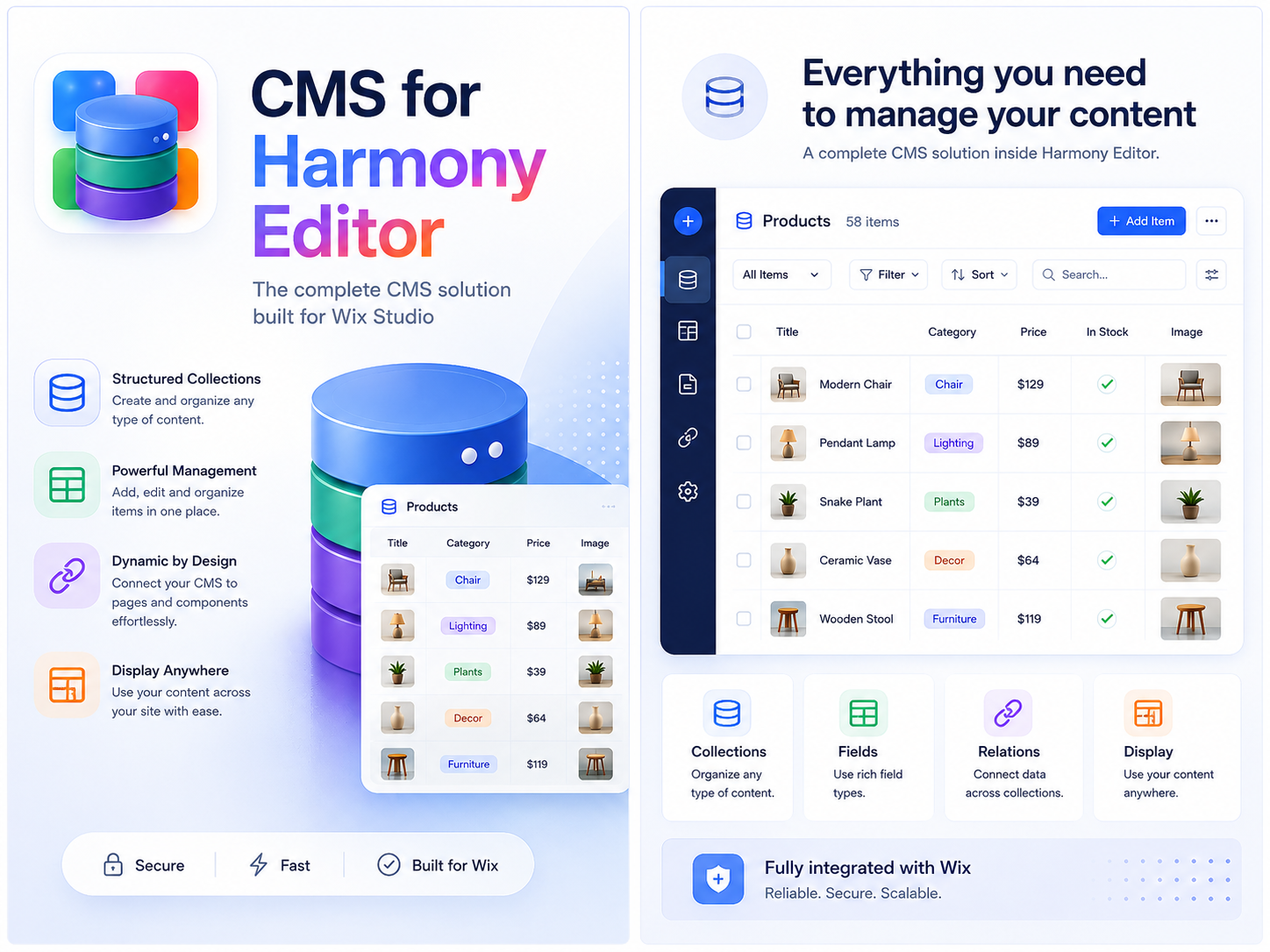
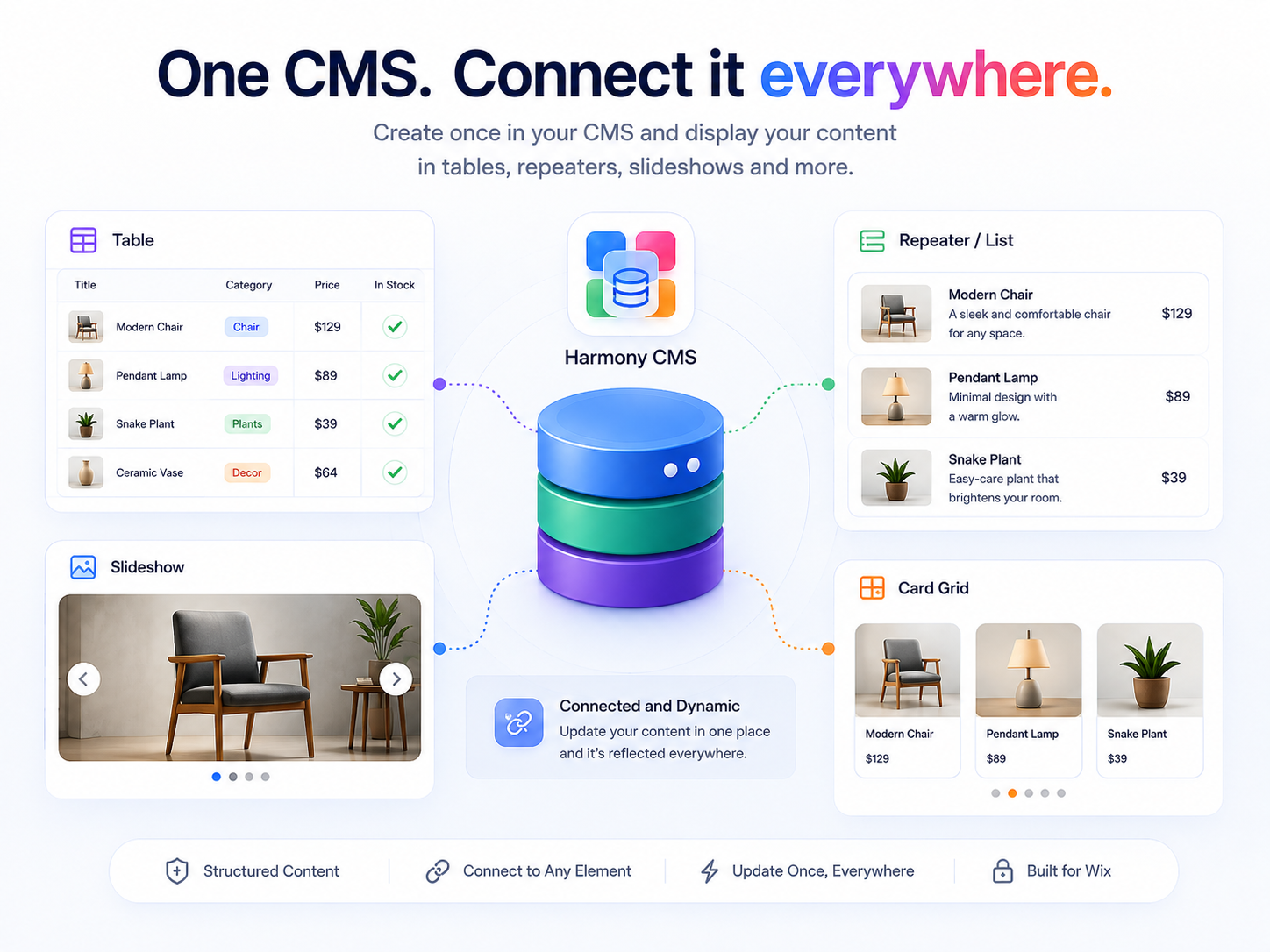
CMS for Harmony 概覽
- Collections — Create collections with rich field types—video, address, color, reference, tags, and more—connect Google Sheets, Airtable, or Notion, and control permissions from the dashboard
- Dynamic Pages — Turn every item into its own page—beautiful layouts visitors can open, share, and find in search
- Repeater, Table, Slideshow, Media Gallery & Calendar — Show your content as cards, tables, slideshows, galleries, or calendars—with search, filters, shareable URL query params, data refresh, Quick view popups, AI setup, and links to each item
- Forms — Add a form, connect your content, and capture submissions on the site—save into collections, create contacts or site members, trigger Automations, and collect payment at submit when you enable checkout
平均評分:4.7
8 則評論
5
7
4
0
3
1
2
0
1
0
排序方式:
DO
Dougraymond1/ Sep 23, 2026
This is going to impress my usersIt took a little while to figure out but when I got a form to update a table I was pretty happy. After my initial review I was very glad to see...
(0)
感謝您的意見回饋
TA
Takeom673/ Sep 17, 2026
Harmony CMS Difficulty The app is a great idea for Harmony users who wants to create a data help with galleries management, but it seems a bit confusing and having to click on the app multiple...
TH
The Wix Wiz 團隊
Hi,
Thanks for your feedback! You can add elements more easily by going to your elements panel and looking for installed apps. If you have any other questions or suggestions about the app...(0)
感謝您的意見回饋
AP
Apotsides/ Sep 8, 2026
Very Intuitive Easy to UseLove both Harmony and the CMS app... I am not a techie but i am able to use simple code with the CMS to great effect. I love it. It's very intuitive....
(0)
感謝您的意見回饋
MI
Missaomarketingdig/ Sep 8, 2026
aprovo d+o cms me facilita muito e inclusive me gerou novos business por causa justamente do CMS . Onde se não fosse por esta ferramenta seria...
(0)
感謝您的意見回饋
CA
Cap10593/ Sep 6, 2026
The best developer for a Wix app I've ever known.Eitan had made what I thought impossible possible in such a short amount of time and responded to me without any worry of me feeling as if I needed to be a pro...
(0)
感謝您的意見回饋
定價與方案
Basic 方案
免費
Full CMS access and all Dynamic elements for Wix Harmony. Table, Repeater, Slideshow, Gallery, Calendar, Dynamic Page, and Form. Free forever; with a small watermark.
Supporter 方案
- 10%
$
1
34
/月
$149
No watermark on published widgets
All widgets, search, filters
Form contact, member, & automations
Pro 方案
- 10%
$
3
59
/月
$399
Everything in Supporter
Unlimited external databases
Monetize widgets with buy buttons
Collect payments in forms
* 價格以 USD 為單位。
* 特賣至 23:59 (UTC) 為止。應用程式開發人員有權隨時結束特賣活動,特賣條款也可能會變更。