Wix App Market Logo

wix logo


Trending Topics
網路商店
預訂
活動
快顯
CMS Import: CSV Preview logo

CMS Import: CSV Preview

製作者:
See every CSV change before it hits your CMS
尚無評論
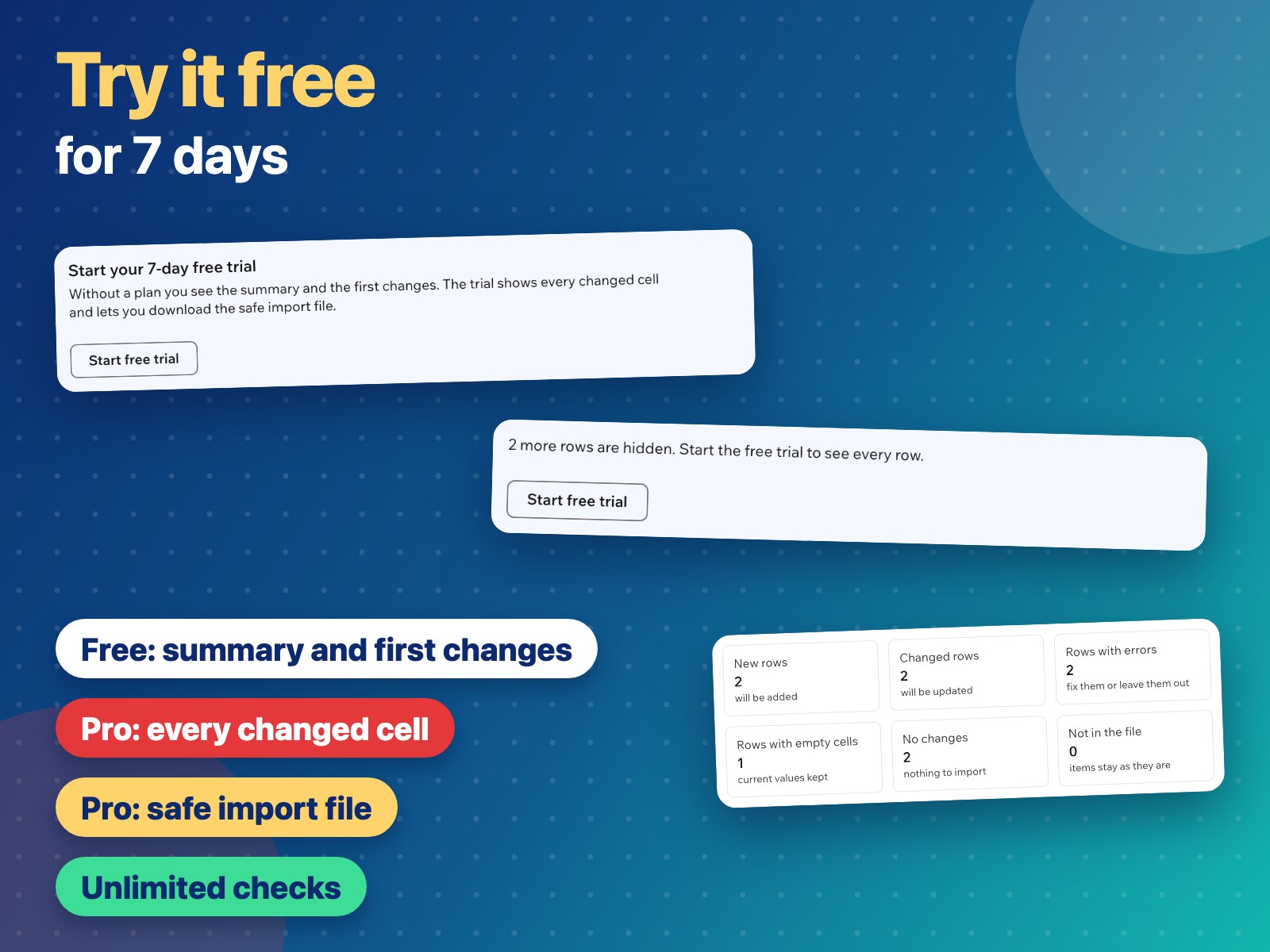
7 天免費試用

CMS Import: CSV Preview 概覽

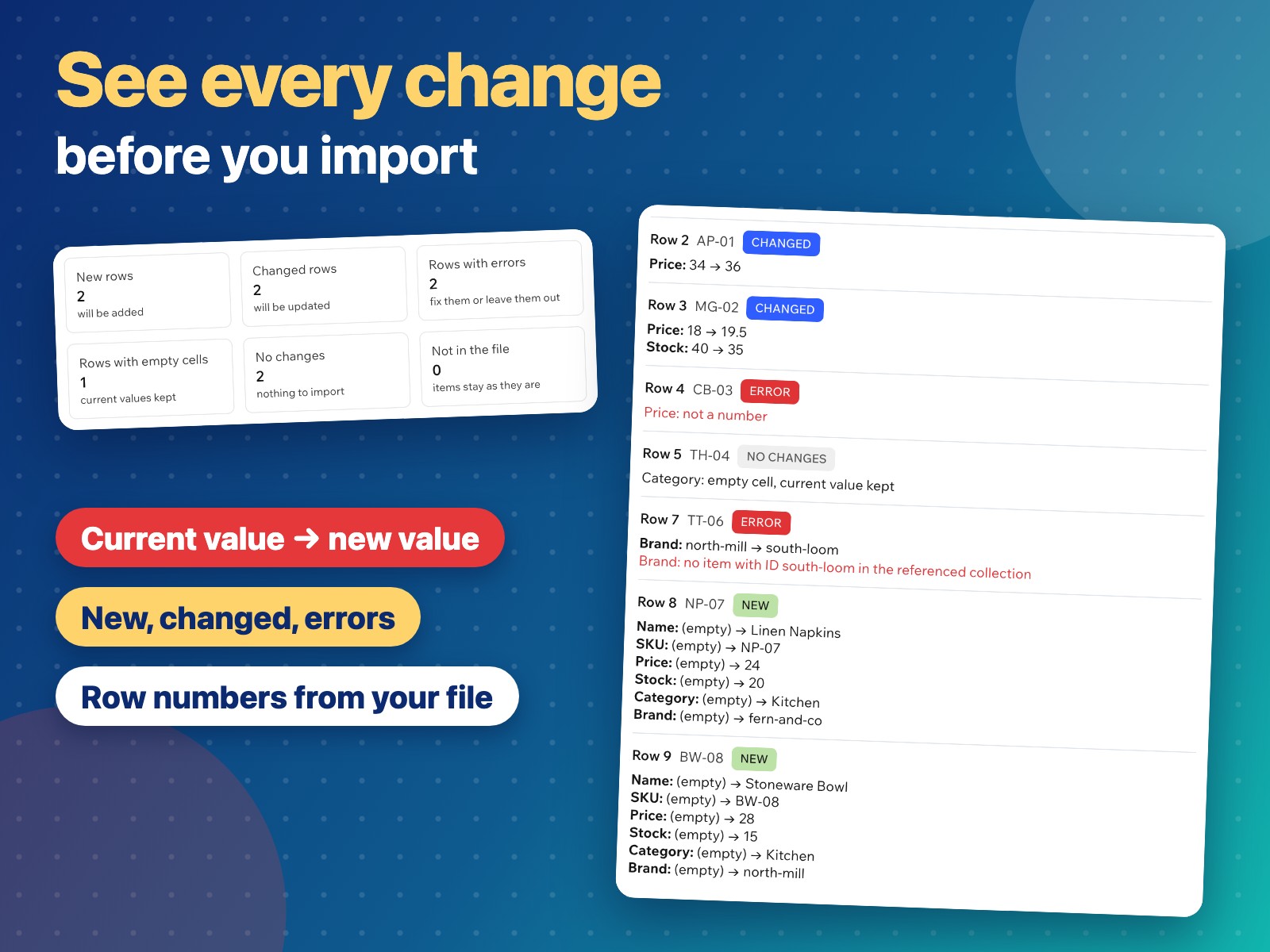
  • Cell-by-cell preview: current value and new value for every row in your CSV
  • Catches duplicate keys, wrong types, broken references and empty cells
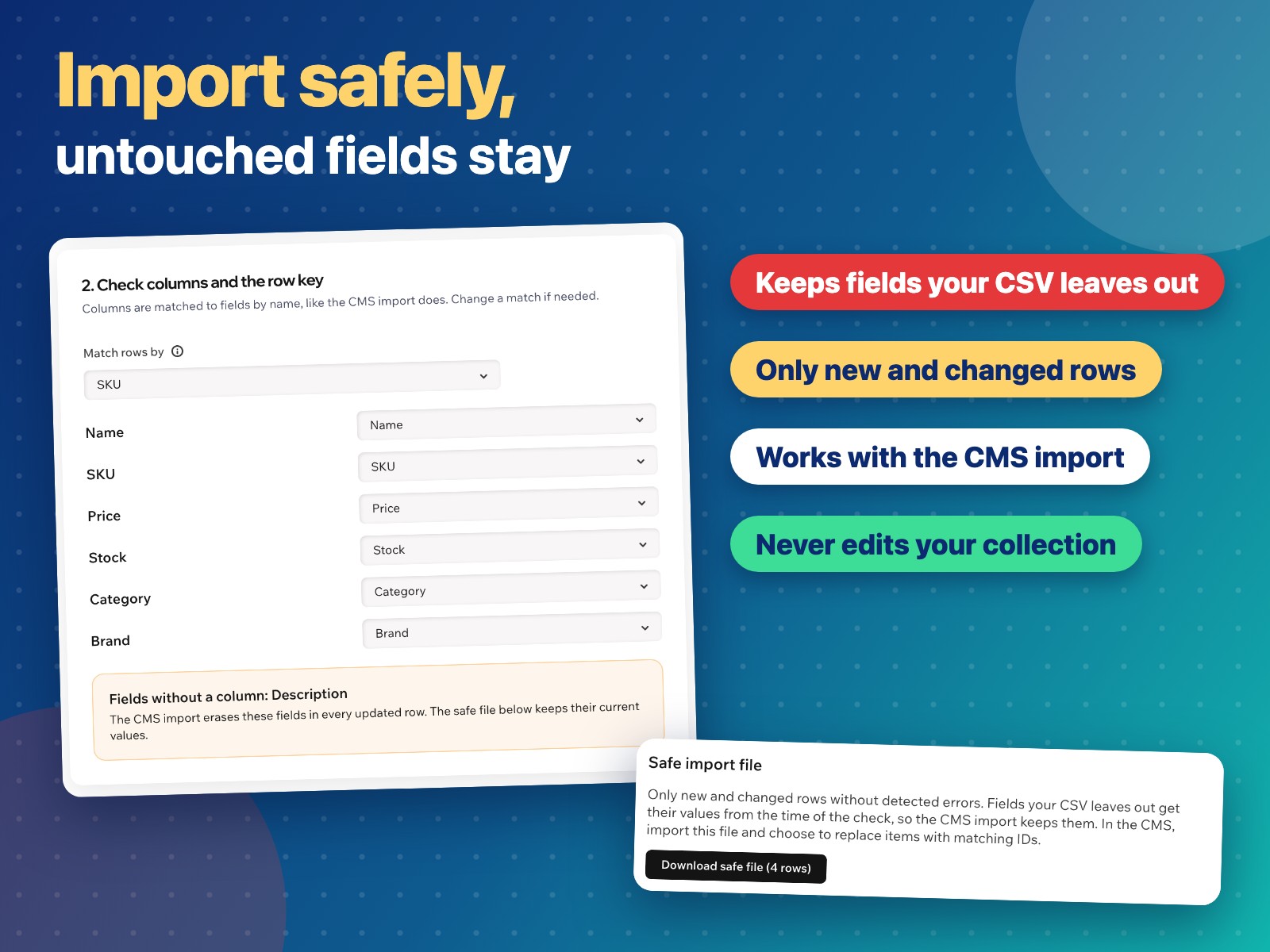
  • Safe import file keeps the values of fields your CSV leaves out
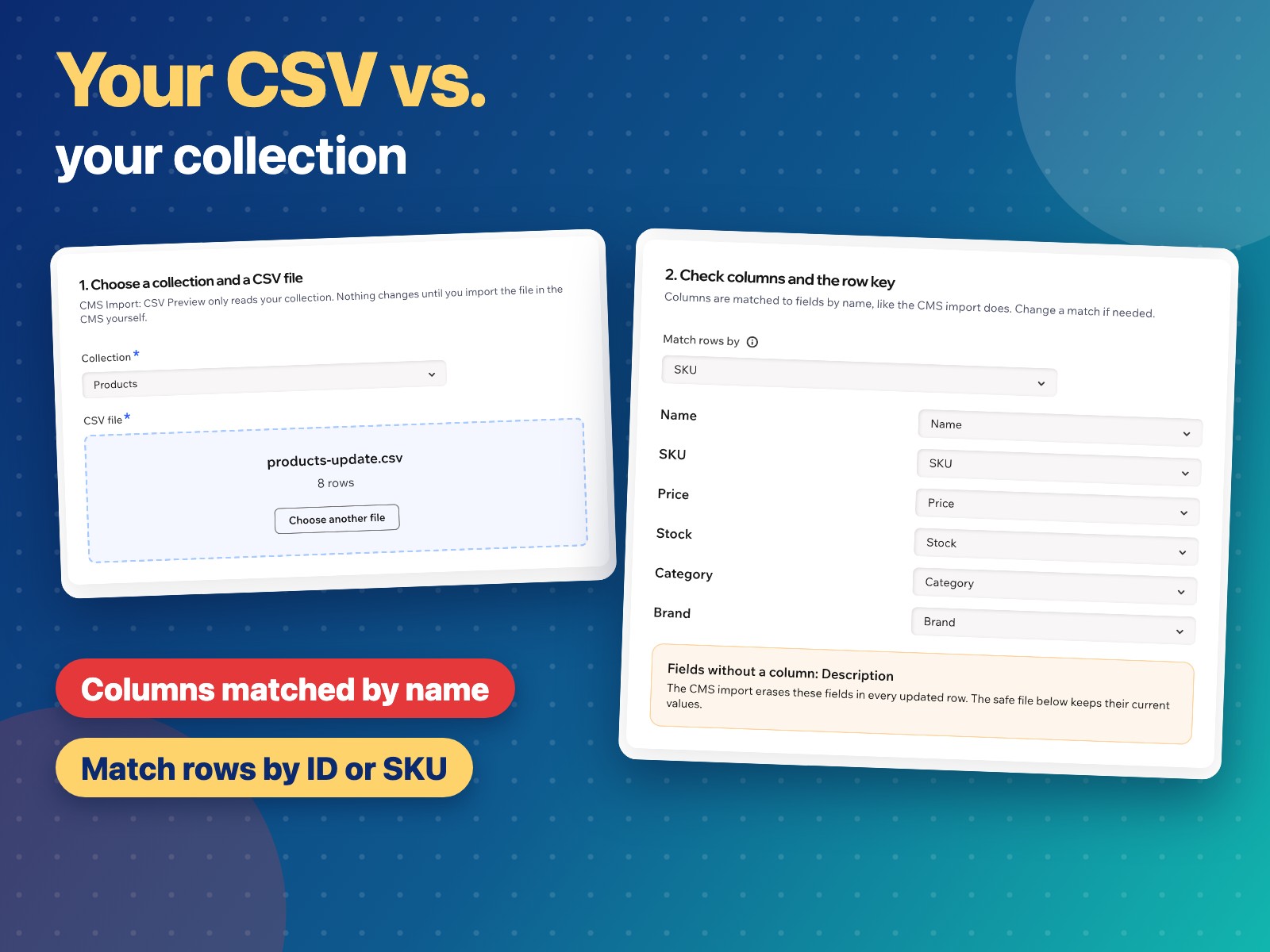
  • Match rows by ID or by your own field, such as SKU or slug
Importing a CSV into a CMS collection replaces values without showing you what will change, and fields that have no column in your file are cleared in every updated item. CMS Import: CSV Preview compares your file with the collection before you import it. Choose a collection, add the CSV and see how many rows are new, changed, unchanged or have errors, then every changed cell with its current and new value. The check catches the mistakes that break a catalog: the same key in two rows, text in a number or date field, links to items that do not exist, required fields left empty and empty cells that would wipe a value you already have. Each problem shows its row number in your file. When the file looks right, download a safe import file with only the new and changed rows. Every field of the collection is filled in, with the current value wherever your CSV has no column, so the regular CMS import updates what you changed and leaves everything else as it is. Collections with fields a CSV cannot carry, such as multi-reference, get the preview only. The app only reads your collections and never edits them. Rows can be matched by ID or by a field such as SKU.
適用地區:
此應用程式全球適用。
應用程式語言:
英語, 
西班牙語

評分與評論

此應用程式尚無評論,請來成為第一個評價的人。

定價與方案

此應用程式提供 天免費試用
Pro 方案
$

4

79
/月
Every changed cell, all rows
Full error details for each row
Safe CSV file for the CMS import
Unlimited checks and collections
* 價格以 USD 為單位。

構置並推出應用程式,連繫超過 2.3 億位 Wix 使用者