Wix App Market Logo

wix logo


Trending Topics
網路商店
預訂
活動
快顯
Event Import: CSV Bulk Update logo
Ask in Aria

Event Import: CSV Bulk Update

製作者:
Preview changes and update events from a CSV
尚無評論
7 天免費試用

Event Import: CSV Bulk Update 概覽

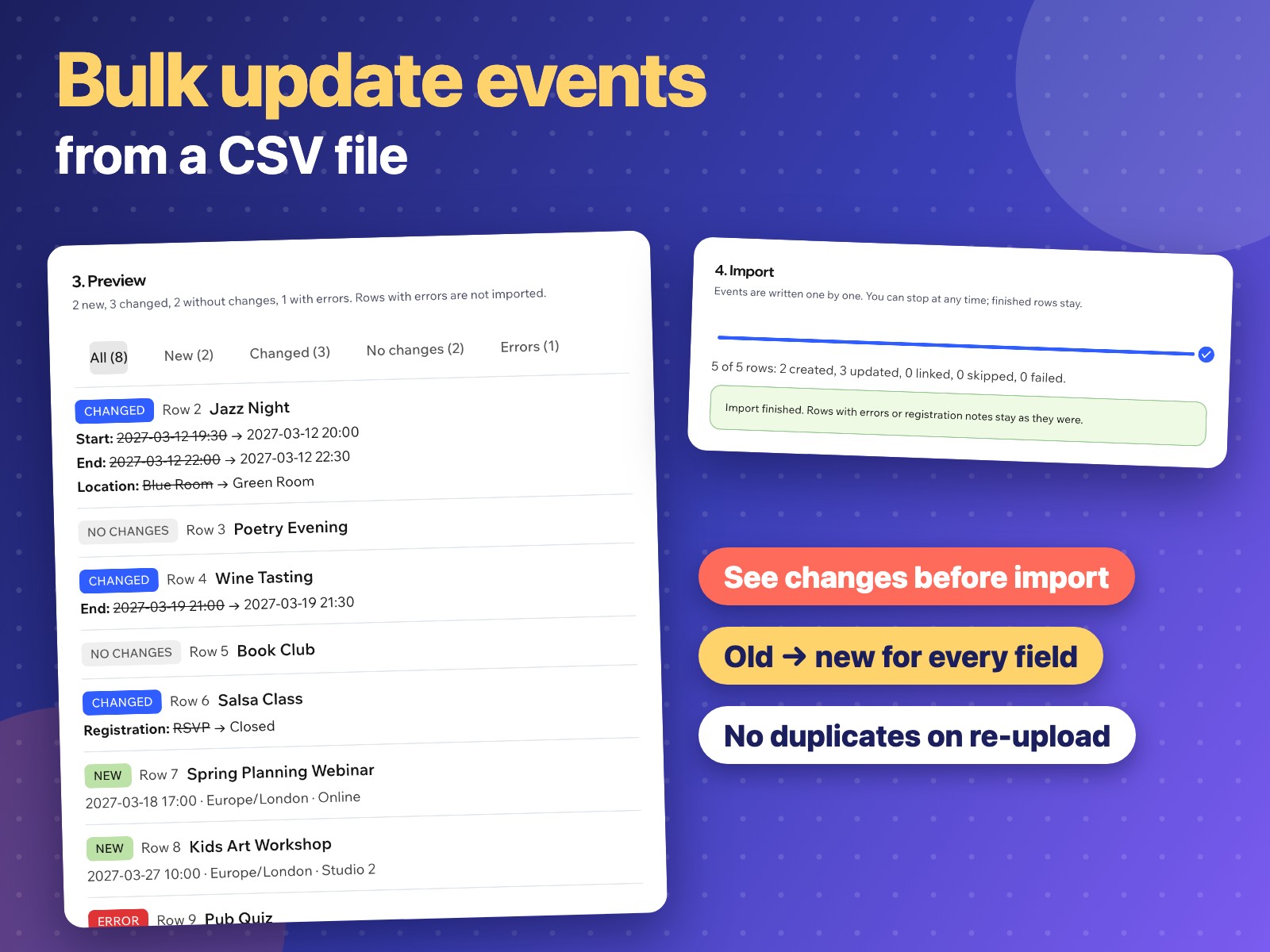
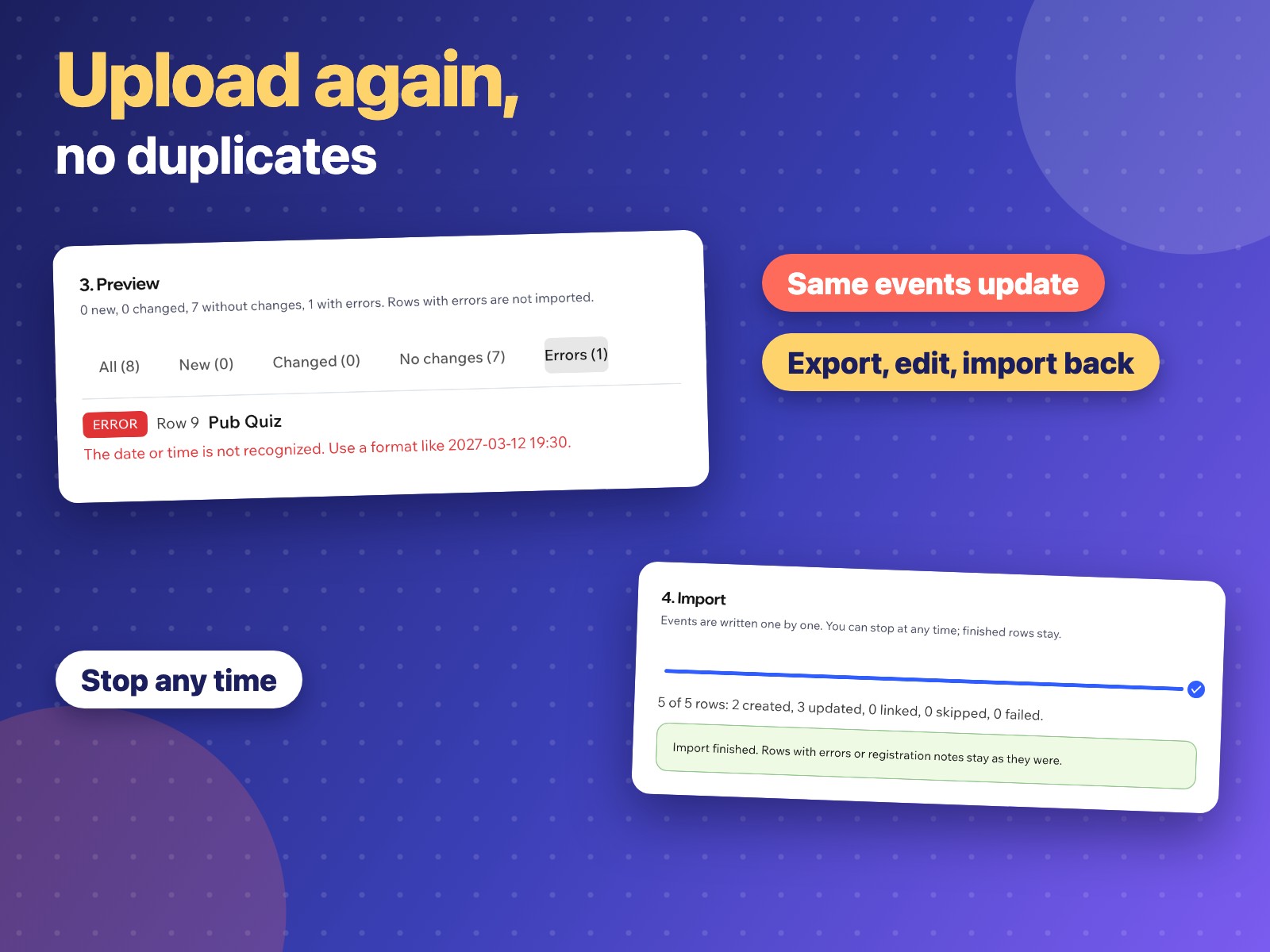
  • Upload the same file again: events update, no duplicates
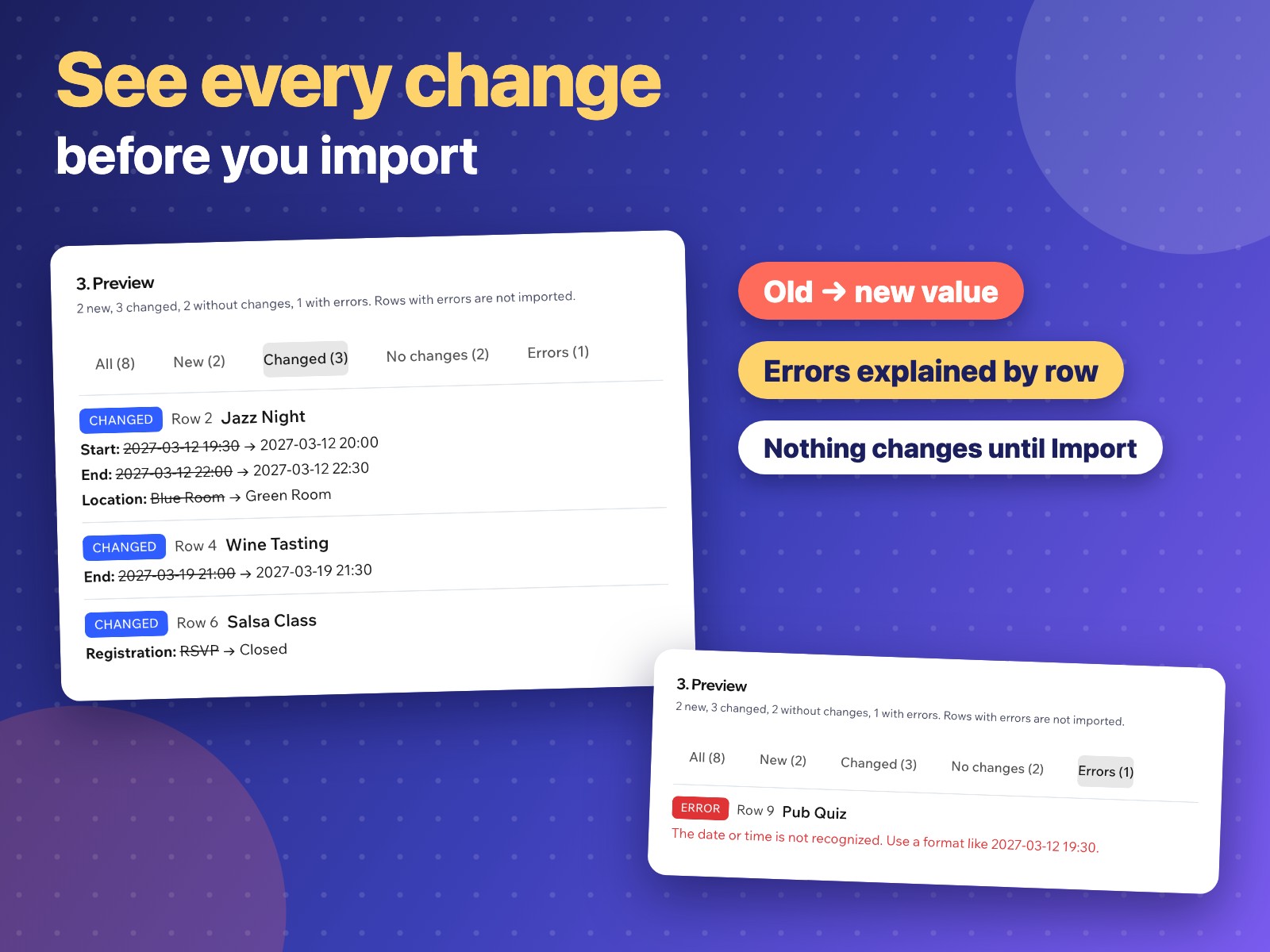
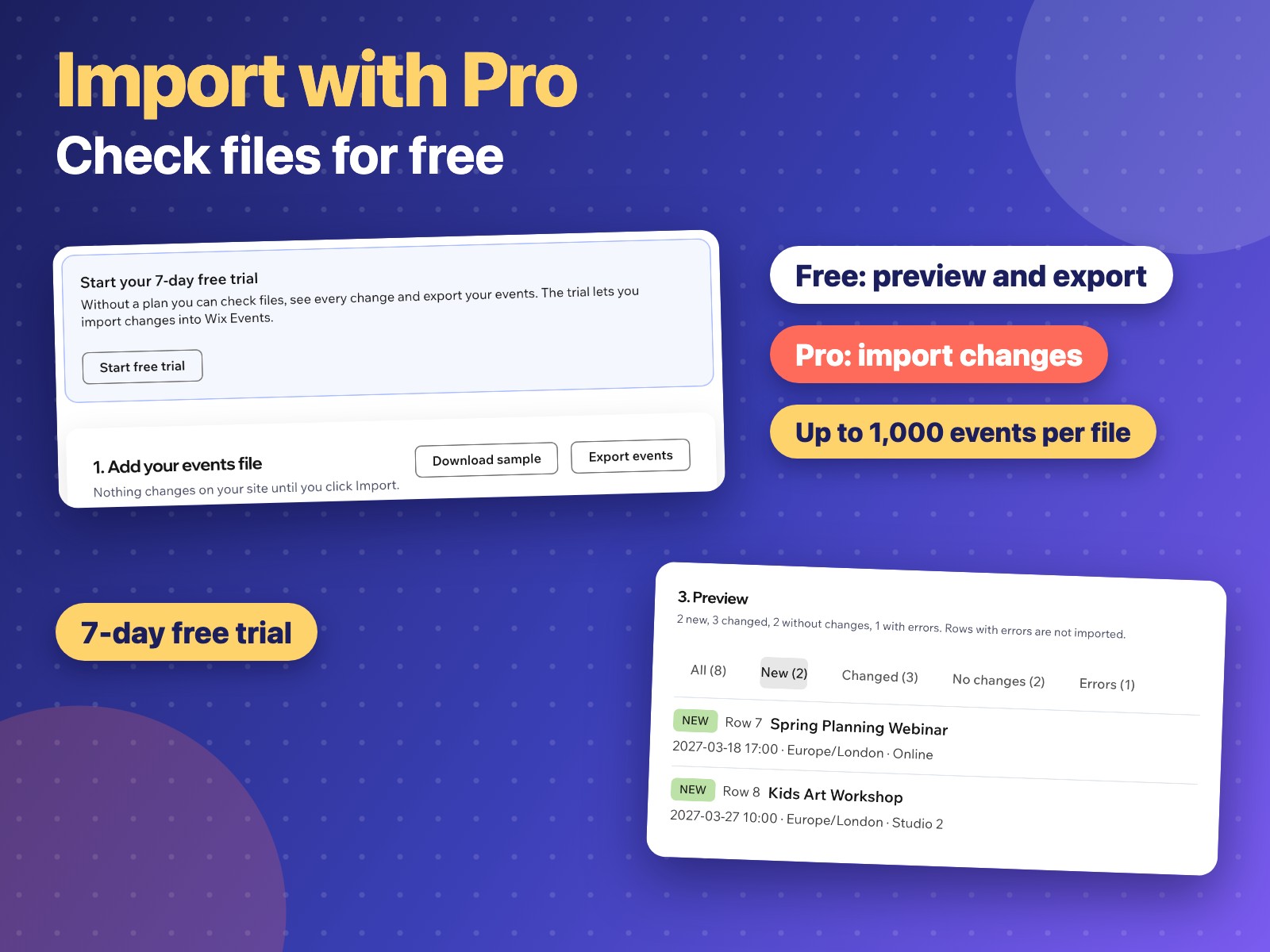
  • See every change before import: old and new value of each field
  • Export your events to CSV, edit in a spreadsheet, import back
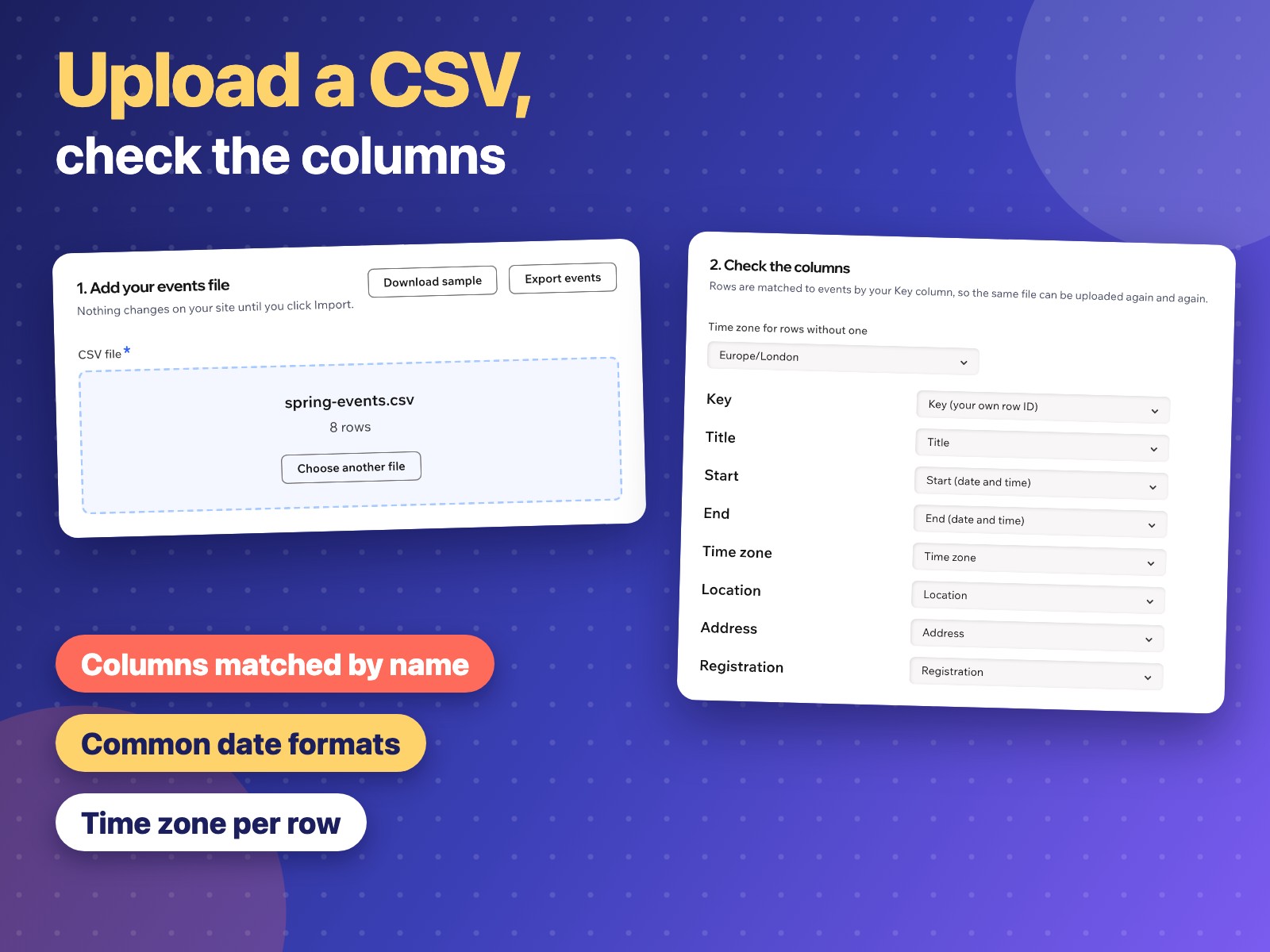
  • Columns, date formats and time zones matched, row errors explained
Event Import: CSV Bulk Update brings your event list from a spreadsheet into your events. Each row of a CSV file is matched to an event: by the Event ID from an export, by your own key column, or by title. Matching rows update the event, new rows create one. Upload the file again after edits and the same events change, with no duplicates. Renamed events need the Event ID or key column. Nothing is written until you click Import. The preview counts new, changed, unchanged and broken rows, and for every changed event shows the old and new value of each field: title, dates and time zone, location and address, descriptions and registration. Rows with a wrong date or no title are listed with the reason. Columns are matched by name, and you can change any of them. Dates are read in common formats, in the time zone of the row or the one you pick. To start from your current events, export them to CSV, edit it in any spreadsheet and upload it back. Events are written one by one, and you can stop at any time. Ticketed events keep their tickets, and events missing from the file are never deleted. Without a plan you can check files and export events; importing needs the free trial or Pro.
適用地區:
此應用程式全球適用。
應用程式語言:
英語, 
西班牙語
網站需求:
-

評分與評論

此應用程式尚無評論,請來成為第一個評價的人。

定價與方案

此應用程式提供 天免費試用
Pro 方案
$

7

99
/月
Import changes into your events
Re-upload files without duplicates
Up to 1,000 events per file
Stop anytime, re-run to finish
* 價格以 USD 為單位。

構置並推出應用程式,連繫超過 2.3 億位 Wix 使用者